
Name Spinner
- Spin for a group member
Classroom Group Generator Spinner
Split a class into random groups with a free spinner wheel. Demo roster included — paste your students on the homepage for fair team picks.
Why random groups beat picking friends
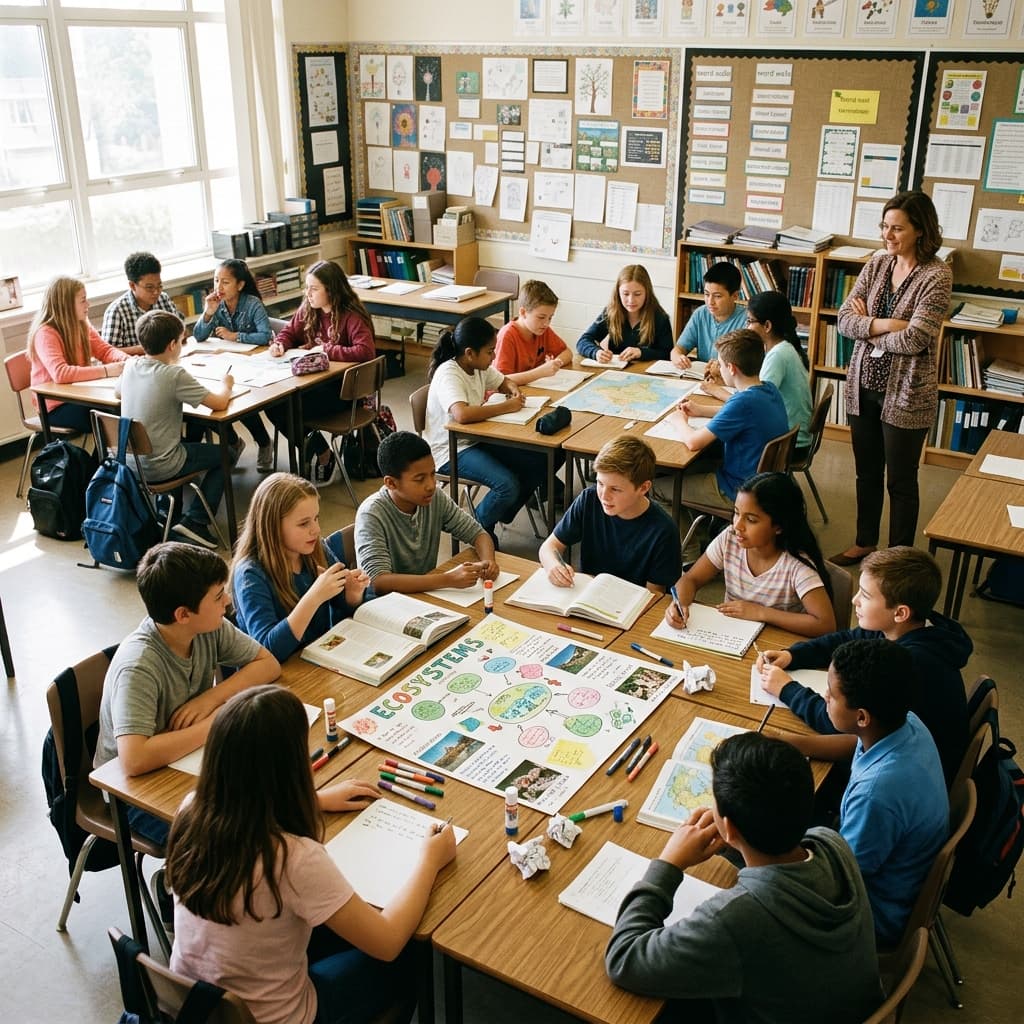
When students choose their own teams, cliques form and quiet kids get left out. A classroom group generator uses random spins to assign members so every group gets a mix — not because you favor certain combinations, but because the wheel makes the process transparent. Students who would never volunteer to work together still participate when the spin is public and the rules were announced before the first name landed.
Social pressure shows up early: "Can we be partners?" whispered before you finish explaining the project. Random assignment short-circuits the lobby — the wheel is the reason you are together, not personal rejection or teacher favoritism. That framing matters for middle school especially, when belonging anxiety peaks.
This guide shows how to use Name Spinner as a team picker: spin repeatedly, assign each winner to Group A, B, C, or D until rosters fill. The embed below uses a demo class list; paste your real roster on the Name Spinner homepage and enable auto-exclude so no student lands in two groups. Share the encoded URL with co-teachers so both rooms spin from identical names.
Project-based learning benefits when groups remix each unit. Keeping the same teams all year reinforces friendships but hides skill gaps; re-randomizing per unit spreads leadership roles — today's quiet researcher might be tomorrow's presenter when the wheel says so. Track prior partners on paper or homepage history if your district asks you to avoid repeat pairings across weeks.
Lab science and math workshops need mixed-ability tables without labeling students. Random groups approximate balance when combined with manual swaps only for documented accommodations — never swap quietly without explanation or the fairness story collapses.
Step-by-step group building
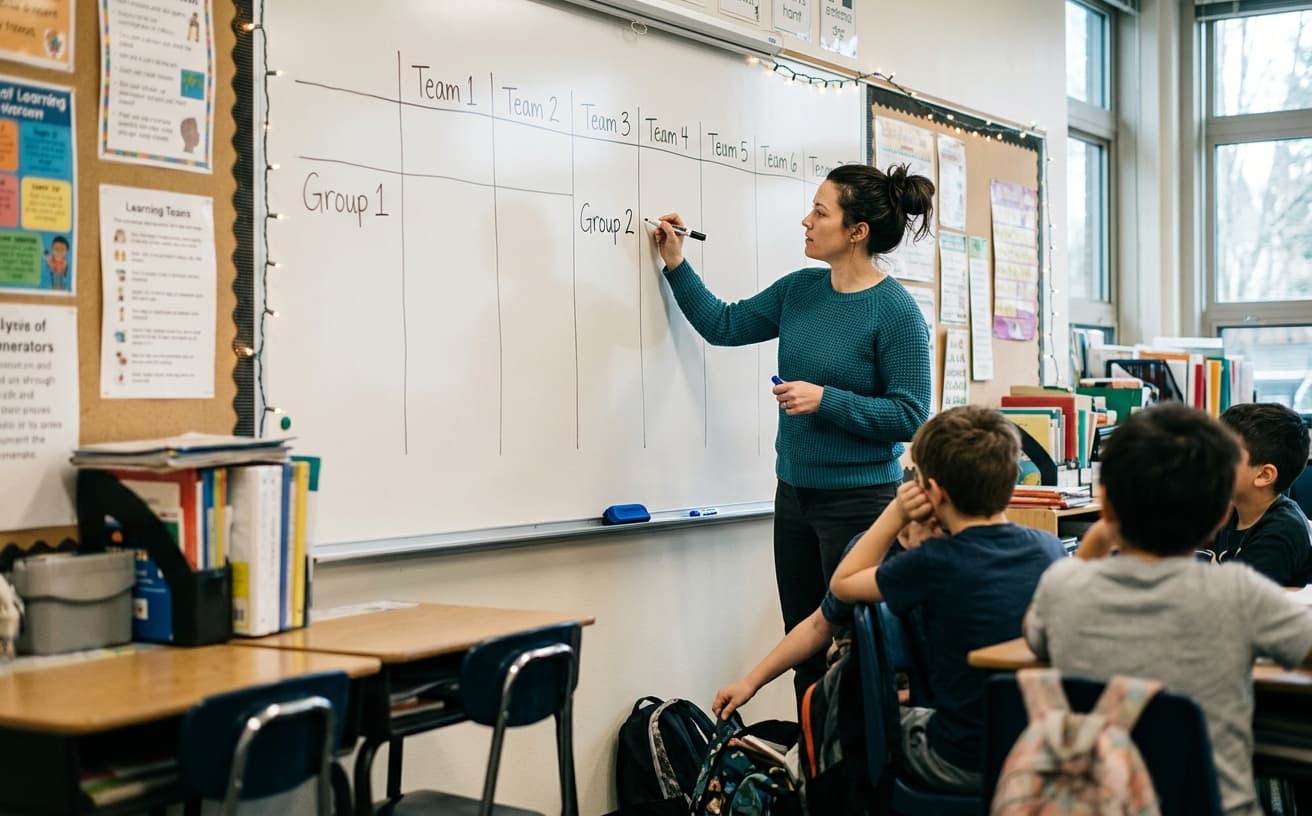
Decide group size first — four groups of five, or pairs, or triads. Label buckets on the board: Group 1, Group 2, and so on. Spin with auto-exclude on (toggle below the wheel) so each student is picked at most once per session. Place the winner in the next open seat — rotate which group gets the first pick if you want balance across strong facilitators.
For lab partners, spin twice per round and pair consecutive winners. For presentation order, spin once per group to see who goes first for each team. Announce rules before the first spin so nobody argues mid-process.
- Anchor strategy: Spin one name per group first, then fill remaining seats round-robin. Anchors give each table a conversation starter while the rest of the roster fills in.
- Speed mode: Spin continuously with auto-exclude while a student scribe writes names on the board — the ritual should take minutes, not half a period.
Substitute handoff: Leave a printed flowchart — group count, auto-exclude on, absent students removed before spinning. Subs succeed when the algorithm is visible, not when they improvise partner politics.
After groups lock, photograph the board or export names to the project LMS. Changing groups mid-week without cause erodes trust; swap only for accommodation or absence patterns everyone understands.
Balancing skills without labeling kids
Teachers sometimes secretly stack groups after a random draft — effective for outcomes, toxic for trust if students notice. Better approach: spin first for transparency, then make one explained swap for accessibility — "Alex needs a group near the outlet for their device" — rather than reshuffling half the class.
English learners benefit from groups with at least one strong oral facilitator; if randomness misses that, add a role card ("translator of instructions") instead of undoing the spin. Gifted students spread across groups raise floor quality; clustering them defeats the point of mixed practice.
Debate and Socratic seminars spin for corner assignments — pro, con, judge — using the same roster tool with different bucket labels on the whiteboard.
Sample 4-group build (22 students)
Round 1–4
Spin four times — one anchor name per group on the board.
Round 5–22
Continue spinning with auto-exclude until every name is assigned.
Adjust
Swap one student manually only for IEP/accommodation needs — explain why.
Lock
Photo the board or export names so groups stay fixed for the project week.
Illustrative grouping notes
22
Demo roster size
Replace with your class on the homepage
4
Groups of 5
Illustrative — 22 ÷ 5 leaves remainder to assign manually
22
Spins required
One per student with auto-exclude enabled
| Use case | Suggested mode |
|---|---|
| Cold-call one student | Single spin, repeats allowed |
| Everyone goes once | Auto-exclude until list clears |
| Random teams | Auto-exclude + assign to group columns |
| Line order | Spin full list order, no exclude |
Fairness and accommodations
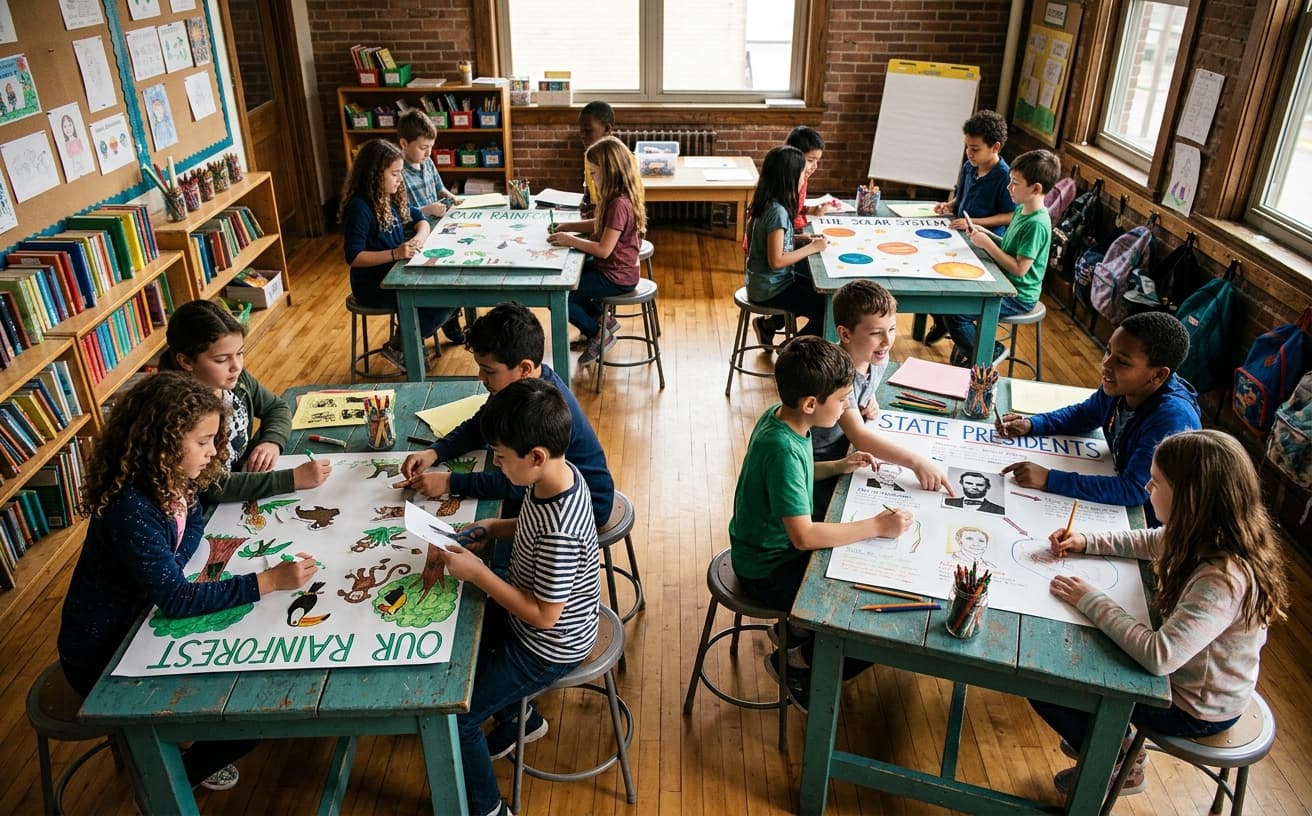
Random does not mean ignoring accessibility. If two students cannot work together or must be separated, remove one from the wheel before spinning or swap after with a brief explanation. Document your approach for administrators if required.
The wheel picks uniformly among remaining names. Trust improves when students see auto-exclude removing winners from the pool. Absent students should be deleted from the list before spinning — do not spin hoping they stay home; edit the roster.
Common questions
Uneven group sizes? After auto-assign, place leftover students where you need balance — often the group missing a strong writer or the group with extra space at their table.
Can groups stay all year? Re-randomize each unit to mix skills; use homepage history if you track prior partners. Long-term fixed groups recreate cliques the wheel was meant to break.
Share with a co-teacher? Send the homepage URL with your roster encoded. Both teachers spin from the same list so students cannot shop for easier group placement in different classes.
What if students complain about their group? Acknowledge feelings, restate the public spin, assign clear roles so every member has a job, and move on. Changing groups for comfort alone teaches lobbying beats process.
Remote/hybrid: Share screen while spinning; drop group assignments in chat. Breakout rooms open after the board photo posts so everyone joins the correct channel.
Pair random groups with hall pass and job assignment wheels — students learn one fairness language across routines instead of three different teacher moods.
“Random teams reduce social pressure — the wheel is the reason you're together, not personal rejection.”
New to classroom spinners?
Read the full classroom name picker guide for roster setup and substitute handoffs.
Classroom name picker guide →Build your own spinner wheel
Paste any list, import a class roster, save history, and share a link — free on the Name Spinner homepage. No account required.
Open full Name Spinner →Related guides
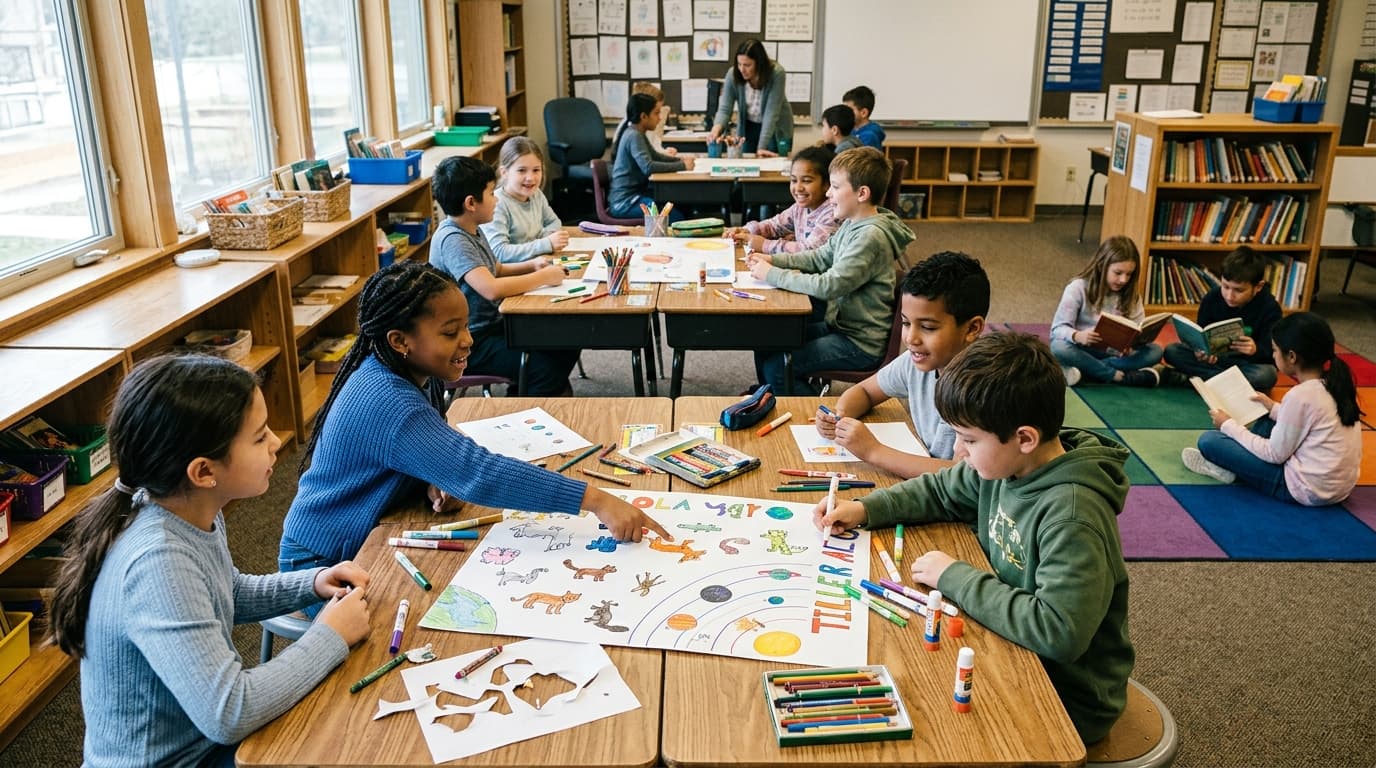
Classroom Group Work Spinner Guide
Assign fair student groups with a classroom group work spinner — visible random teams, no signup, and share links for subs. Demo roster ready to spin.
In-page spinner

By Name Spinner
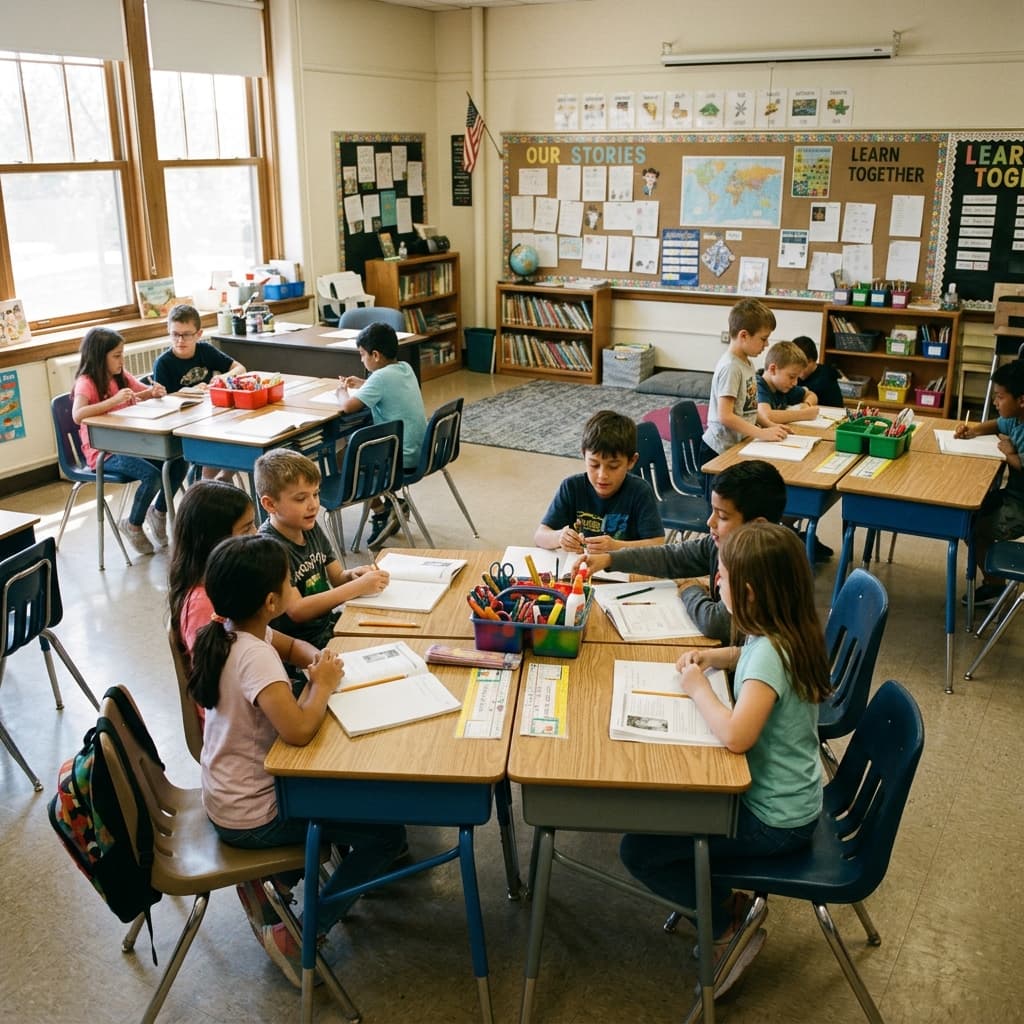
Desk Partner Switch — Seating Rotation Picker
Rotate desk partners fairly with a free classroom spinner — collaboration pairs, seating rotation, and fresh groupings without manual charts.
In-page spinner
By Name Spinner
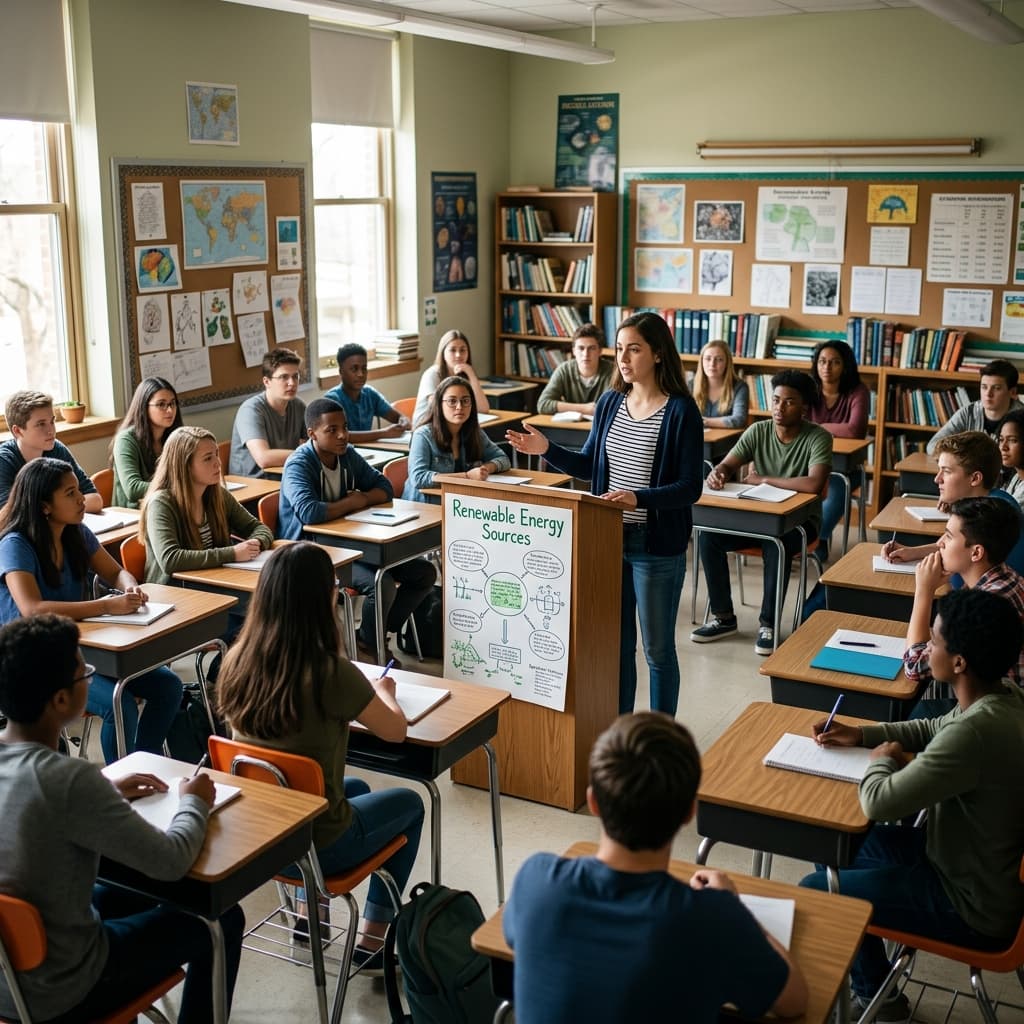
Presentation Order Picker — Random Order for Class
Set random presentation order with a free classroom spinner. Demo roster included — paste your students on the homepage for fair, transparent speaking slots.
In-page spinner
By Name Spinner
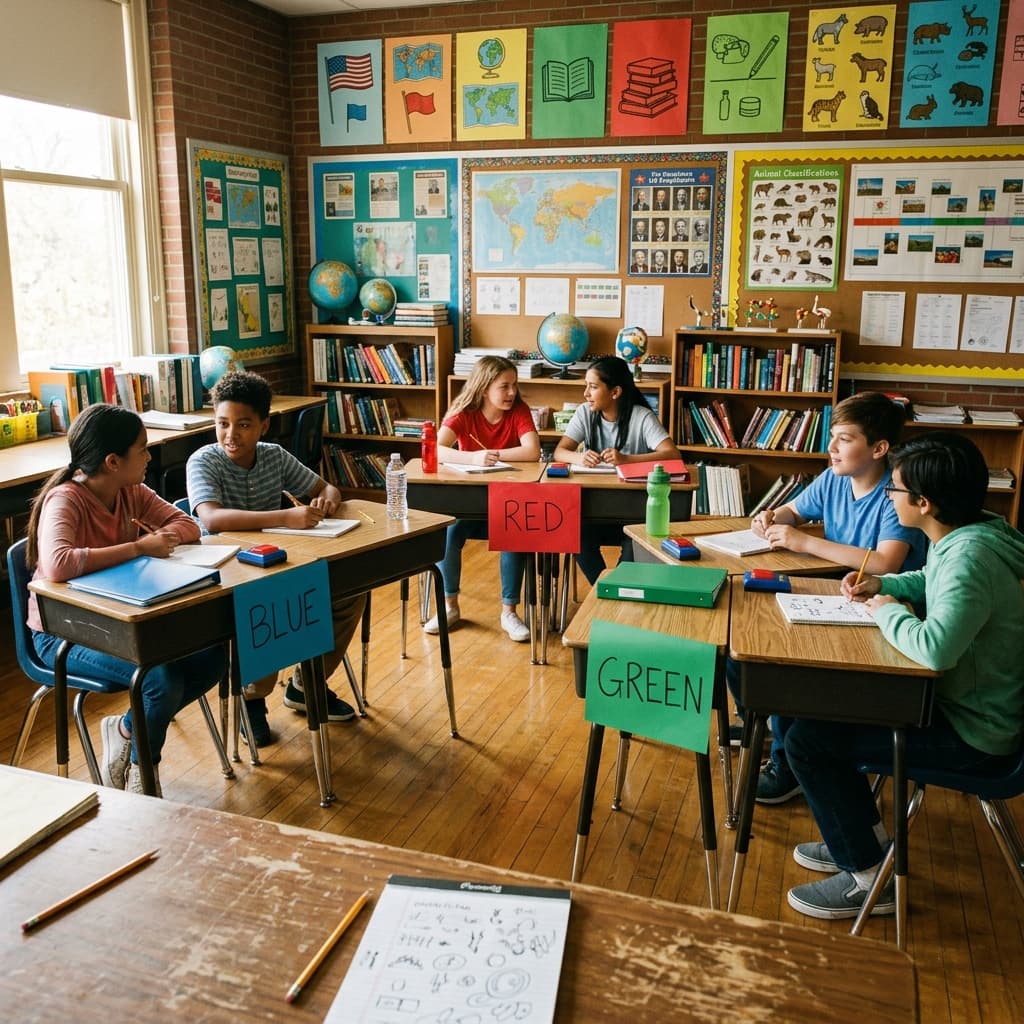
Quiz Team Picker — Balanced Groups for Review Games
Form trivia and quiz teams fairly with a free classroom spinner. Demo roster — balanced groups, review games, and no repeat team drama.
In-page spinner
By Name Spinner