
Name Spinner
- Spin without repeats
Random Student Picker — No Repeats
Random student picker with no repeats — auto-exclude spreads turns fairly across your class. Free demo wheel; paste your roster on the homepage.
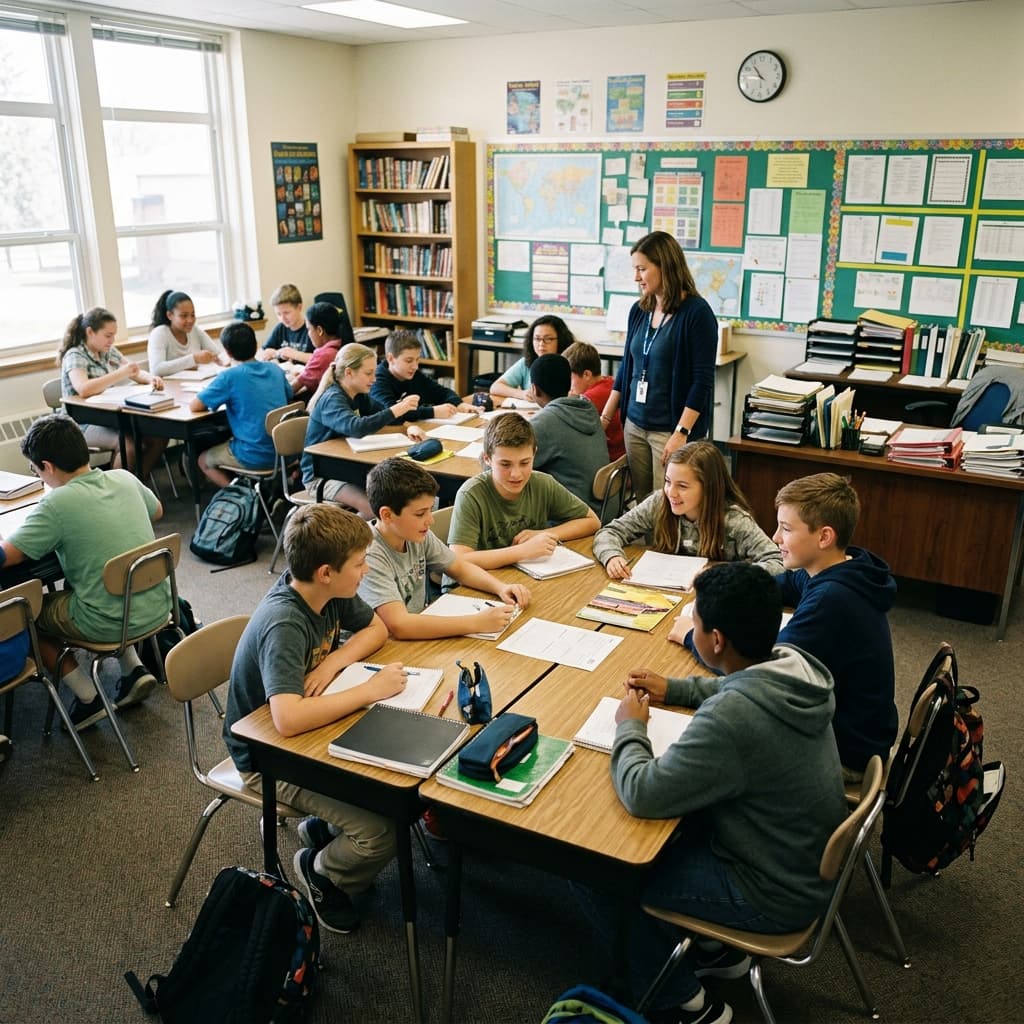
Why avoid repeat call-outs?
A random student picker with no repeats solves a common classroom problem: the wheel keeps landing on the same few names by chance, or you lose track of who already participated. When the goal is every student gets one turn before anyone goes twice, you need more than luck — you need the list to shrink as winners are chosen.
Plain random spins are perfect for quick volunteers — three names, three answers, done. They fail when the lesson requires full-roster participation: everyone reads one line of the play, everyone presents a thirty-second hypothesis, everyone shares a journal entry. Without auto-exclude, probability guarantees duplicates over a long session; with auto-exclude, the wheel becomes a visible queue everyone can audit.
Name Spinner's blog embed includes an auto-exclude toggle. Turn it on, spin for a volunteer, and the winner is removed from the wheel for the rest of the session. Keep spinning until the roster clears or you pause for a break. This guide walks through when that pattern helps, when to skip it, and how to move to the full homepage tool for saved history across days.
Parents sometimes ask whether digital pickers favor certain children. Auto-exclude answers with proof: the remaining names display on screen after each spin. "Did I already go?" becomes a glance at the list, not a debate with the teacher's memory.
How to use auto-exclude on this wheel
Open the embed above and enable Auto-exclude winners before your first spin. Each time the wheel stops, the selected name disappears from the list. The next spin draws only from students who have not won yet. Students can watch the list shrink — that visual proof matters when someone asks, "Did I already go?"
- When auto-exclude fits: presentation order in one period, choosing lab partners one at a time, running a review game where every student must answer once, or picking who shares a journal entry without duplication.
- When to skip it: open discussion where the same expert may need to respond twice, or large classes where you only need three volunteers total — plain random spins are faster and less dramatic.
Timing reality check: A demo roster of twenty-two names means twenty-two spins if everyone participates once. At thirty seconds per turn, that is eleven minutes before transitions — plan accordingly or batch spins across two days using homepage history. Announcing "we will clear half the roster today" sets honest expectations better than rushing the last six names.
If someone is absent, remove their name with the edit panel before you start, or spin again if they were picked — agree on the rule once and announce it. For multi-day tracking, switch to the homepage spinner, which can remember winners across sessions while you still control when to reset.
Pass policy: Some teachers allow one pass per quarter for presentation anxiety — if a student passes, put them back manually for a later spin or leave them out for that round only. Document the policy on slide one so passes do not look like favoritism when the same student uses their token twice in a semester by design.
| Mode | Best for | Trade-off |
|---|---|---|
| Auto-exclude on | Everyone participates once per lesson | List shrinks — plan enough time for full roster |
| Auto-exclude off | Quick volunteers, open discussion | Same name can win twice by chance |
| Homepage history | Tracking across multiple days | Requires opening the full tool |
| Manual edit after spin | Substitutes with a printed roster | More steps — good fallback offline |
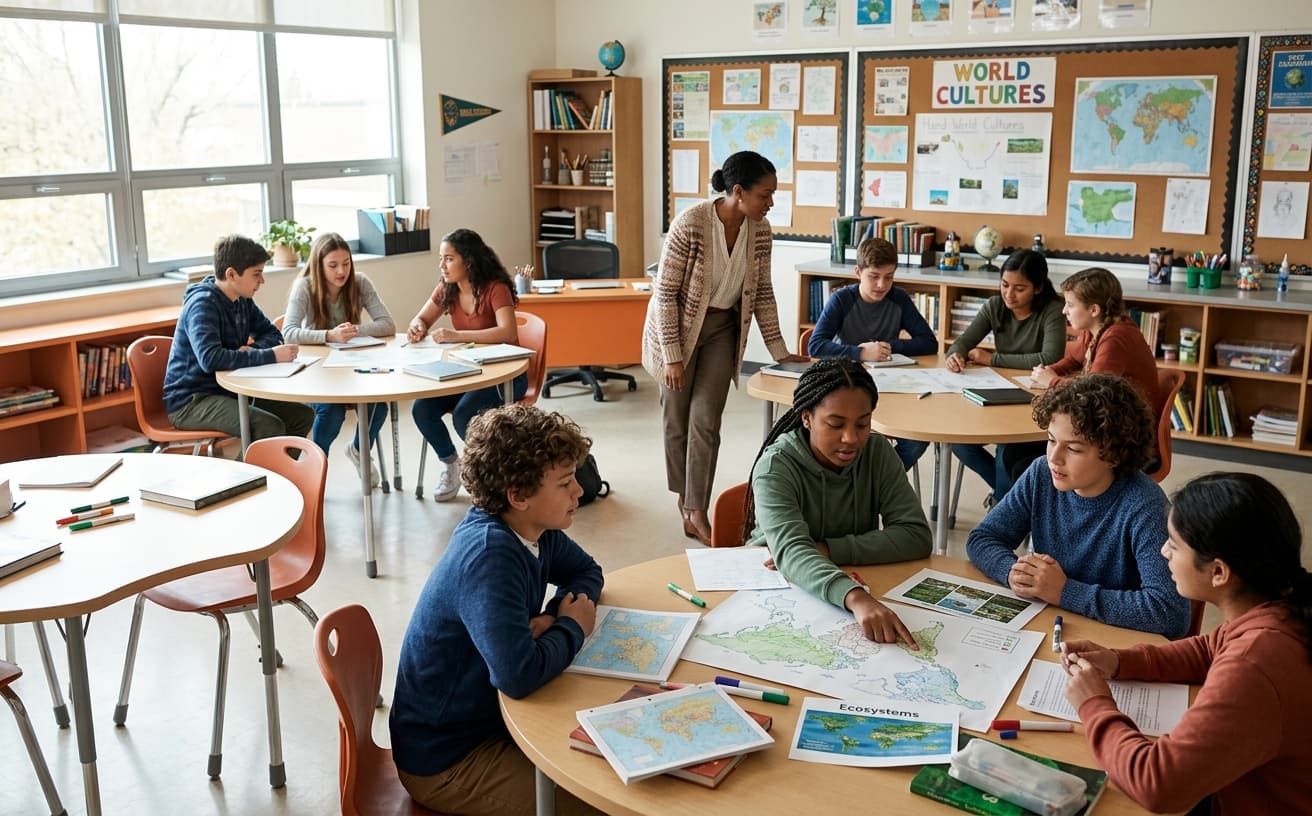
Session rules that prevent arguments
- Announce auto-exclude is on before the first spin.
- Decide whether a student may pass once — if they pass, put them back manually or leave them out for that round only.
- Remove absent names before starting so odds stay fair.
- When only one name remains, declare the last turn instead of spinning for drama — or spin anyway for consistency.
- Reset the list at the start of the next period if you want a fresh random order.
- Screenshot or photo the remaining list before lunch if subs arrive mid-unit.
Illustrative session math
22
Names on demo wheel
Same sample roster as the classroom guide — illustrative count
22
Spins to clear roster
One per student when auto-exclude stays on
~11
Minutes if 30 sec per turn
Illustrative example — adjust for your activity length
Fairness students can verify
The wheel uses a uniform random pick among names still on the list. Auto-exclude does not weight toward quiet students — it only guarantees no duplicate winners until you reset. Explain that clearly: "The computer picks fairly from whoever is still on the wheel." That framing reduces accusations of favoritism compared to calling names from memory.
Short-run clustering still feels unfair to kids even when the math is fine. If two friends both get picked early by chance, acknowledge the feeling without abandoning randomness: "Random sometimes looks lumpy — over the week we balance turns using history on the homepage." Emotional validation plus structural fairness beats dismissing their reaction as irrational.
Special education inclusion: Auto-exclude works with accommodations — a spin assigns who reads aloud, but IEP alternatives still apply for students who use AAC or pre-recorded responses. Randomness picks order, not modality. Pair with visual timers so students know when their turn approaches as the list shrinks.
English language learners: Low-stakes spins early in the week — "share one word about the topic" — build confidence before high-stakes presentation clears the roster. Sentence frames on the board decouple language scaffolding from selection fairness.
Pair with other classroom pickers
New to digital name pickers? Start with the classroom name picker guide for roster setup, projector tips, and substitute handoffs. Return here when your class is ready for no-repeat participation blocks.
Volunteer picker handles micro-roles — eraser, line helper — while auto-exclude handles macro participation — everyone presents once. Use both in one week without conflict: volunteers spin with plain random, presentation block spins with auto-exclude. Students learn different tools serve different fairness goals.
Assessment transparency: If spins assign who presents which project section for a grade, auto-exclude ensures equal airtime — document that policy in the rubric so grading reflects content quality, not who got stuck with the hardest section because they spun last.

“Auto-exclude turns random selection into a visible queue — students see who is still waiting for a turn.”
Substitutes, splits, and multi-day tracking
Leave a one-sentence sub plan: "Auto-exclude ON — spin for readers until list empty or bell." Photo the roster on the board showing crossed-off names if the digital list resets when the browser closes. Paper backup prevents chaos when the projector bulb dies mid-period.
Split classes and team teaching: Each teacher maintains a homepage link with the same roster but separate history if you teach different subjects — math clears Monday, ELA clears Wednesday — or share one history if you coordinate participation across the day. Consistency prevents "I already went in homeroom" surprises.
Parent communication: Monthly newsletter line — "Every student spun at least once for journal share this month" — with a photo of the cleared list builds trust. Families stop assuming favoritism when rotation is visible.
Reset mid-lesson: Use the edit panel to add names back if you only needed one round of no-repeat picks, or refresh the page to restore the full demo roster before the next class enters.
Large classes: Thirty-plus students may need two-day clears — use homepage history, announce the pause point, resume tomorrow without duplicates. Trying to force thirty spins into fifteen minutes produces rushed responses that undermine the pedagogical point of equitable participation.
For the full fairness story behind auto-exclude, read how fair is a random name picker. For classroom norms beyond no-repeat, see the fair student picker guide.
Reset mid-lesson
Use the edit panel to add names back if you only needed one round of no-repeat picks, or refresh the page to restore the full demo roster.
Back to classroom picker guide →Build your own spinner wheel
Paste any list, import a class roster, save history, and share a link — free on the Name Spinner homepage. No account required.
Open full Name Spinner →Related guides
How to Use a Random Name Picker Wheel in the Classroom
Classroom random name picker for teachers — fair student selection, demo roster wheel, substitute handoffs. Free, no signup, crypto-backed spins.
In-page spinner

By Name Spinner

Fair Student Picker — Classroom Unbiased Guide
Fair student picker for teachers — unbiased classroom wheel, no-repeat mode, and crypto-backed spins. Demo roster, no signup required.
In-page spinner
By Name Spinner
Substitute Teacher Name Picker
Guest teachers can spin a fair random name picker with a demo class roster — no setup, no account. Share a link from the full tool for your real list.
In-page spinner
By Name Spinner
Beverage Picker Wheel — Spin for a Drink
Pick a random drink with a free beverage spinner wheel. Morning routines, party mocktails, and classroom hydration prompts — ten drinks ready to spin.
In-page spinner
By Name Spinner