
Name Spinner
- Spin a demo class name
How to Use a Random Name Picker Wheel in the Classroom
Classroom random name picker for teachers — fair student selection, demo roster wheel, substitute handoffs. Free, no signup, crypto-backed spins.
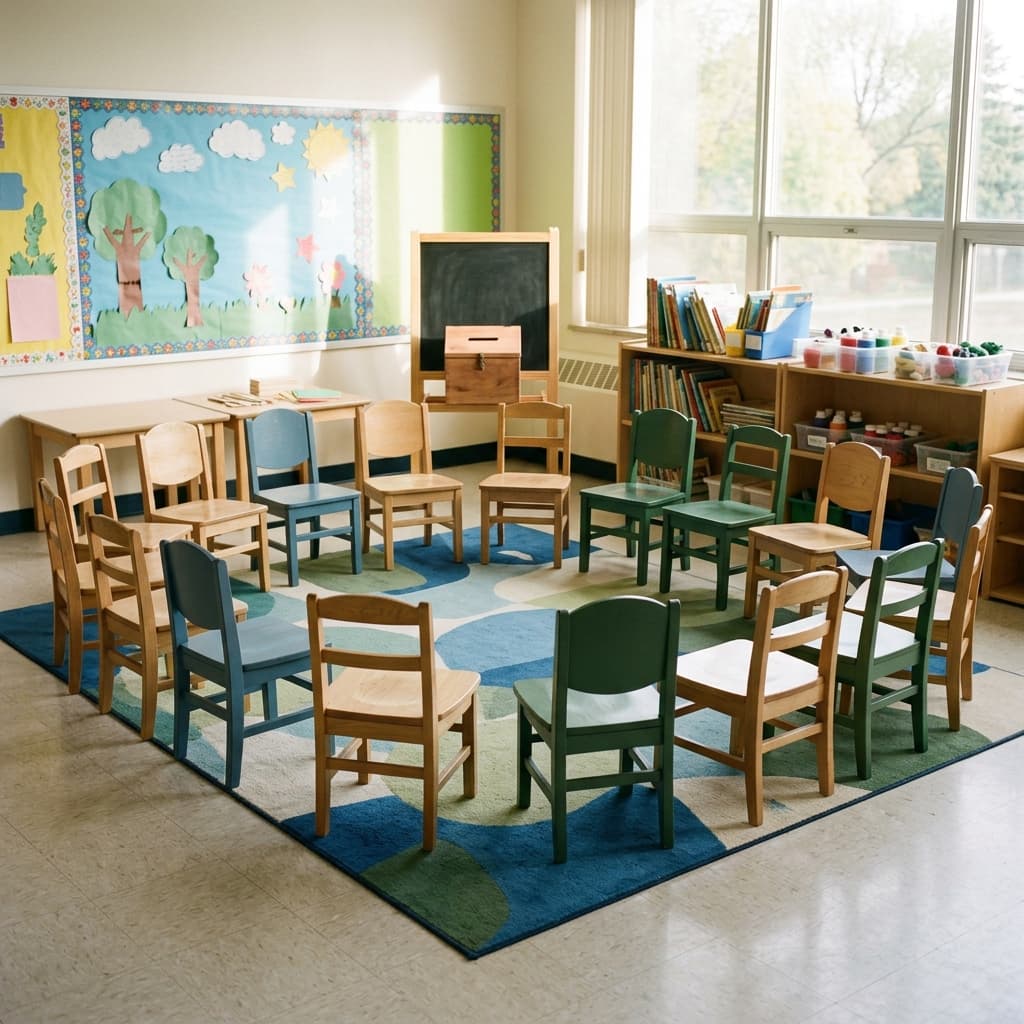
What is a classroom name picker?
A random name picker for the classroom is a fair way to choose who answers next, who leads a line, or who joins a demo at the front of the room. Instead of scanning the room and calling the same volunteers, you let a visible spin decide. Students see the process, hear the wheel slow down, and accept the result together — which matters when you are building trust around participation.
This guide includes a demo class roster on the wheel below so you can try the flow before pasting your real list. The embed runs entirely in your browser: no account, no student data uploaded to a server. When you are ready for your own roster, winner history, and a shareable link for co-teachers, use the full Name Spinner homepage. For a product tour of lists, modes, and share links, read the free random name picker guide and name spinner wheel guide. Enable auto-exclude for no-repeat picks when every student should speak once before anyone goes twice.
Why use a spinner instead of calling names?
When you pick names from memory, patterns creep in even when you mean well. Some students get called constantly because they make eye contact, sit up front, or already know the answer. Others rarely speak because they are quiet, new to the class, or still building confidence. A random student picker removes that invisible bias from the moment of selection.
Students notice fairness. If the same three names dominate every discussion, the rest of the class disengages. If everyone knows the spin is neutral, more people stay mentally present — even when they are not the one called. That does not replace good teaching moves like wait time and pair-share, but it gives you a neutral starting point for cold calls.
How the spin stays fair: Name Spinner picks the winning segment before the animation finishes, using cryptographically secure randomness from your browser (`crypto.getRandomValues`). Say that aloud once — "the computer already chose; we are watching it land" — and edge-of-slice disputes fade faster.
Spinners also help with pace. You spend less time debating who goes next and more time on the question itself. For substitutes covering an unfamiliar roster, a substitute teacher name picker beats reading names off a seating chart while the class waits.

Common classroom uses
- Cold-call review — spin before you reveal the question so everyone prepares
- Volunteer selection — one spin picks who passes out materials or runs the timer
- Small-group leaders — spin once per group role instead of letting the loudest voice win
- Presentation order — randomize who goes first without awkward negotiation
- Game show rounds — spin for the next contestant during review games
- Icebreaker prompts — pair cold calls with the [random animal picker](/blog/random-animal-picker) when names need a low-stakes warm-up first
- Equity check — track who has been called this week and compare to spin history on the homepage
Illustrative participation notes
22
Demo names on this wheel
Sample roster for trying the embed — replace with your class on the homepage
3–5 sec
Typical cold-call wait
Illustrative pause after the spin before accepting an answer
0–1
Re-spins per lesson
Example norm — save re-spins for technical glitches, not disappointment
Tips for classroom use
Set rules before the first spin. Say whether repeats are allowed in the same period, whether the selected student may pass once per week, and what happens if someone is absent — skip and spin again, or leave the name for next time. Clear rules prevent arguments about fairness after the wheel stops. On the homepage, leave Repeat spin limit on Off for one spin per round; enable a cap only if your group agreed to mid-spin re-spins for demos or games.
Add your class roster once on the homepage. Copy names from your gradebook or seating chart, paste them into Name Spinner, and keep the tab bookmarked on your laptop or classroom display. You can shuffle the list at the start of a unit so segment order never feels fixed.
Use winner history when you want variety without manual tracking. The full homepage spinner remembers recent results so you can avoid calling the same student three times in one lesson while still staying random overall. This blog embed is session-only — perfect for demos, but switch to the homepage for a full week of tracking.
Share a link with substitutes. Build a URL on the homepage with names pre-loaded so a guest teacher can spin the same roster you use. Add a one-line note in your sub plans: “Open the link, spin for participation — do not call names from memory.”
| Step | Action | Why it helps |
|---|---|---|
| 1 | Use first + last names if duplicates exist | Avoids two students answering for one spin |
| 2 | Remove absent students before spinning | Keeps odds fair for students in the room |
| 3 | Agree on pass rules aloud | Reduces debate after the result |
| 4 | Display on a projector when possible | Transparency builds trust in the spin |
| 5 | Move to homepage for history + share URL | Substitutes and co-teachers get the same list |
“Students accept spinner outcomes more readily when the process is visible — the spin matters as much as the result.”

Fairness and privacy
Name Spinner picks the winning segment before the wheel animation finishes, using a uniform random index across every name on the list. Each name on the wheel has an equal chance per spin when it appears once. Say that out loud the first time you use it — students who suspect rigged games often calm down when the mechanism is explained.
Privacy: This demo embed does not send roster data to a server. Your real class list stays in your browser when you use the homepage tool. Do not paste sensitive student information into third-party tools your district has not approved; check local policy before sharing rosters with any web app.
Common questions
Can I edit names on this demo wheel? Yes — use the edit panel below the embed to add or remove names for practice. Changes reset when you refresh the page. For a saved roster, use the homepage.
What if the wheel lands on an absent student? Spin again or remove absent names before you start — decide the rule once and stick to it for the period.
Is this better than popsicle sticks? Both can be fair. A digital wheel scales to large classes, shuffles instantly, and projects well for the whole room. Sticks work offline; the wheel works when you already have a display open.
Try it free
Head to the Name Spinner homepage and paste your class list. No account required — everything runs in your browser. Enable winner history when you want to spread participation across the week, or turn on auto-exclude in the embed when you want each student to win at most once per session.
New competitive guides in this pillar: fair student picker for unbiased classroom norms, and how fair is a random name picker for the crypto-backed spin pipeline.
Avoid repeat call-outs
When every student should get a turn before anyone goes twice, read our guide on no-repeat student picking with auto-exclude.
Random student picker — no repeats →Build your own spinner wheel
Paste any list, import a class roster, save history, and share a link — free on the Name Spinner homepage. No account required.
Open full Name Spinner →Related guides
Random Student Picker — No Repeats
Random student picker with no repeats — auto-exclude spreads turns fairly across your class. Free demo wheel; paste your roster on the homepage.
In-page spinner

By Name Spinner

Fair Student Picker — Classroom Unbiased Guide
Fair student picker for teachers — unbiased classroom wheel, no-repeat mode, and crypto-backed spins. Demo roster, no signup required.
In-page spinner
By Name Spinner
Substitute Teacher Name Picker
Guest teachers can spin a fair random name picker with a demo class roster — no setup, no account. Share a link from the full tool for your real list.
In-page spinner
By Name Spinner

Free Name Spinner Wheel — Online Guide
Free name spinner wheel online — add names, spin fairly, pick a winner. Classroom-first guide with demo wheel; no signup required.
In-page spinner
By Name Spinner