
Name Spinner
- Spin for presentation order
Presentation Order Picker — Random Order for Class
Set random presentation order with a free classroom spinner. Demo roster included — paste your students on the homepage for fair, transparent speaking slots.
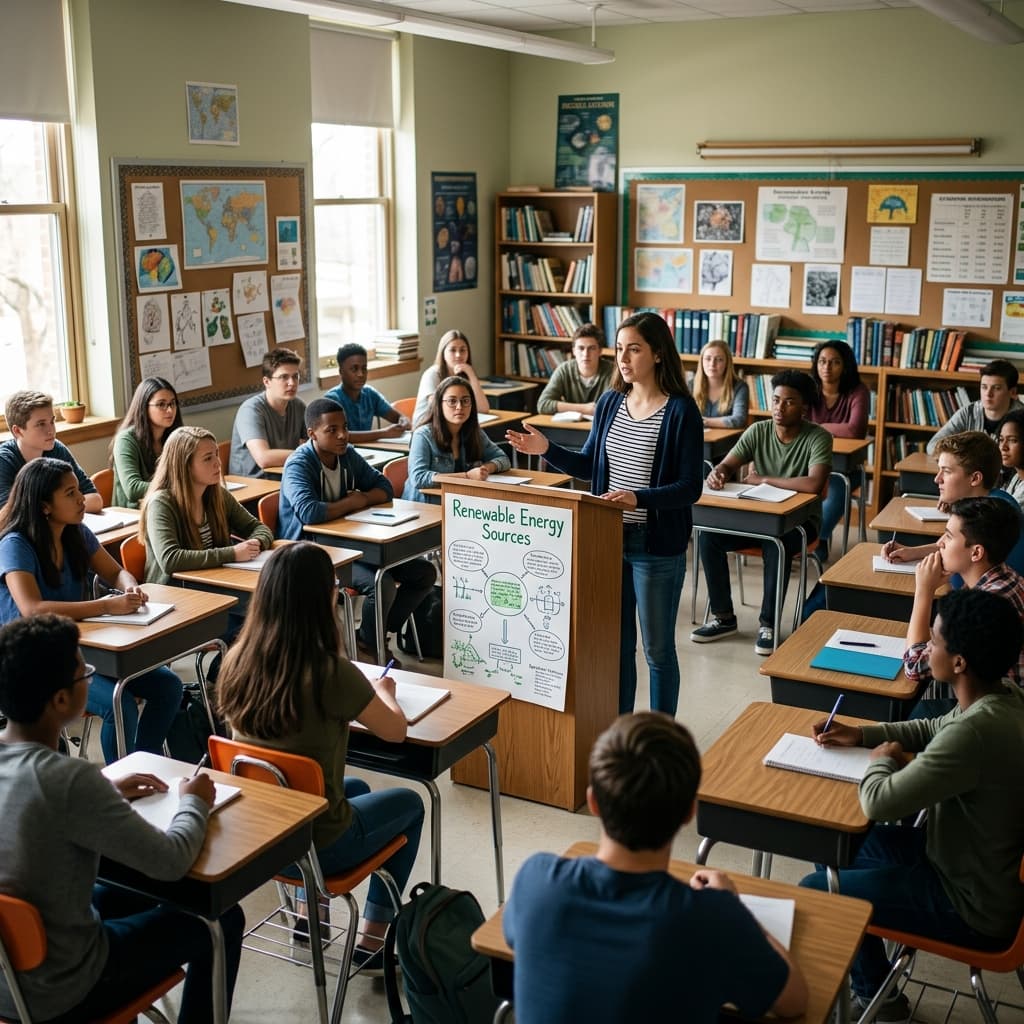
Why spin for presentation order?
When students choose their own speaking slots, the same patterns appear — volunteers go first, anxious kids wait until last, and arguments break out over "fair" timing. A presentation order picker uses random spins to build a sequence everyone can see. The wheel is the reason you go third, not because the teacher picked favorites.
This guide shows how to use Name Spinner for speaking order: spin repeatedly with auto-exclude enabled, write each winner's name in order on the board, and lock the list before presentations begin. The same no-repeat student picker workflow spreads turns when every name must appear once before repeats. The embed below uses a demo class roster; paste your real names on the Name Spinner homepage and share the link if co-teachers or substitutes need the same order.
Presentation anxiety drops when order is public early — students can prepare knowing they are fifth, not "sometime after lunch." The wheel removes the teacher from the role of perceived favoritism.
Administrators observing your class see a repeatable fairness protocol — documented order, visible spins, accommodation swaps explained briefly. That matters when parents ask why their child spoke third instead of first. The answer is the board, not your mood that morning.
End-of-term presentation marathons benefit from locked order lists shared in the LMS — students rehearse knowing exactly when they speak across multiple class days without re-spinning mid-unit unless absences force a tail rebuild.
Debate and speech teams use the same embed with auto-exclude until the bracket order clears. Model UN classes spin country order for opening statements. The workflow transfers anywhere stacked speaking slots create social tension.
Step-by-step order building
Announce rules first — one spin equals one slot, no re-spins for disappointment unless you grant a single token per term. Enable auto-exclude below the wheel so each student appears at most once while you build the list. Record order visibly — numbered column on the board, projected doc, or printed slip taped to the podium.
- Time limits: Pair timers so late slots are not compressed.
- Absent students: Remove names before spinning or mark skip policy upfront.
- Groups: Spin once per group for group order, then spin inside each group for individual roles.
- Tech: Display timer and order together.
- Hybrid: Read order aloud for remote students before they unmute.
For reverse order days, build the list once, then read it backward — still random, still defensible. For peer feedback, assign reviewers by spinning again after order is set, with a rule that reviewers cannot be immediate neighbors.
- Long blocks: Split order across two days at a natural midpoint — photo the list so day two continues fairly.
- Panel presentations: Spin group order first, then individual roles inside each group so both levels feel fair.
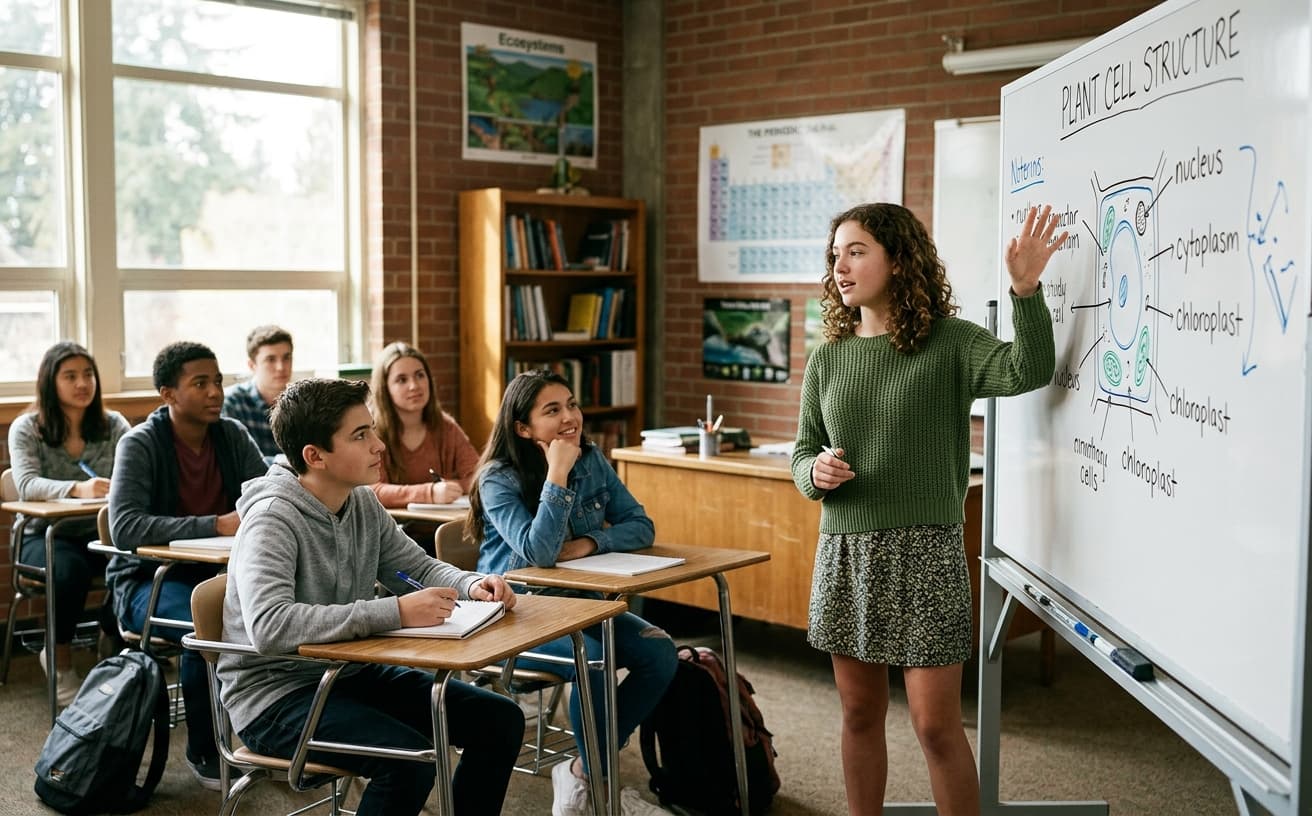
Sample order build (22 students)
Spin 1–5
First five speakers locked on the board — class sees auto-exclude removing names.
Spin 6–22
Continue until every presenter has a slot number.
Adjust
Swap only for documented accommodations — explain briefly if required.
Lock
Photo the list or export from homepage so order survives absences later in the week.
| Goal | Suggested approach |
|---|---|
| Full class order | Auto-exclude until list clears |
| Who goes first today only | Single spin, repeats allowed |
| Panel order | Spin group names, then individuals within group |
| Q&A order | Separate wheel pass after talks finish |
Fairness and nerves
Random order reduces social pressure but does not erase anxiety. Offer optional "slot trade" between two volunteers after the list is public — both must agree on the record. Never force trades. Students with IEP speaking accommodations should be placed per plan, which may mean pre-assigning one slot and randomizing the rest.
The wheel picks uniformly among remaining names when auto-exclude is on. Say once that the result is chosen before the animation finishes if anyone jokes about rigging.
Offer optional slot trade between two volunteers after the list is public — both must agree on the record. Students with IEP speaking accommodations should be placed per plan, which may mean pre-assigning one slot and randomizing the rest. Never punish chatter by moving someone to last — that ties order to behavior in ways the wheel did not promise.
Presentation order wheels reduce last-minute chaos because students know when to setup slides and when to listen. Pair speaking slots with reading partner prep the day before, and post line leader roles separately so hallway duty does not collide with podium order. Post the locked order in your LMS alongside the rubric so parents supporting at-home practice see the same sequence you spun in class. For multi-section courses, spin separately per section — fairness is within-section, not across unrelated rosters.
- Debate tournaments: Use auto-exclude to build speaker order for preliminary rounds.
- Science fair: Spin tri-fold presentation order so judges see variety without manual scheduling.
- Capstone days: Multi-day order lists photo cleanly to Slack or email for department coordination.
- Parent conferences: Spin student-led conference order when signup fairness matters.
- Hybrid classes: Remote students hear their slot when the board is shared on camera.
Common questions
Student absent on presentation day? Skip and append to end, or re-spin from remaining names only — decide before day one.
Can order carry over multiple days? Yes — export or photo the list; spin only the unfinished tail on day two.
Share with a substitute? Send the homepage URL with your roster encoded so the sub sees the same wheel.
Uneven absences? Rebuild only the tail of the order from remaining names — photo the locked head of the list first.
- Award ceremonies: Confirm district policy before using random order for official awards.
- Timer norms: Same time limit per slot — early and late speakers deserve equal minutes.
Nervous speakers? Allow note cards regardless of slot — random order is about sequence, not harsher rules for later slots. Recording days: Spin order before cameras roll so playback matches the board students saw live.
- Panel Q&A: Spin audience question order separately so presenters know whether they face questions immediately or after all talks.
- Timekeeper role: Spin a student timekeeper from names not presenting that day — inclusive participation without adding speaking slots.
LMS post: Export order as text so remote parents see the same sequence as the classroom board.
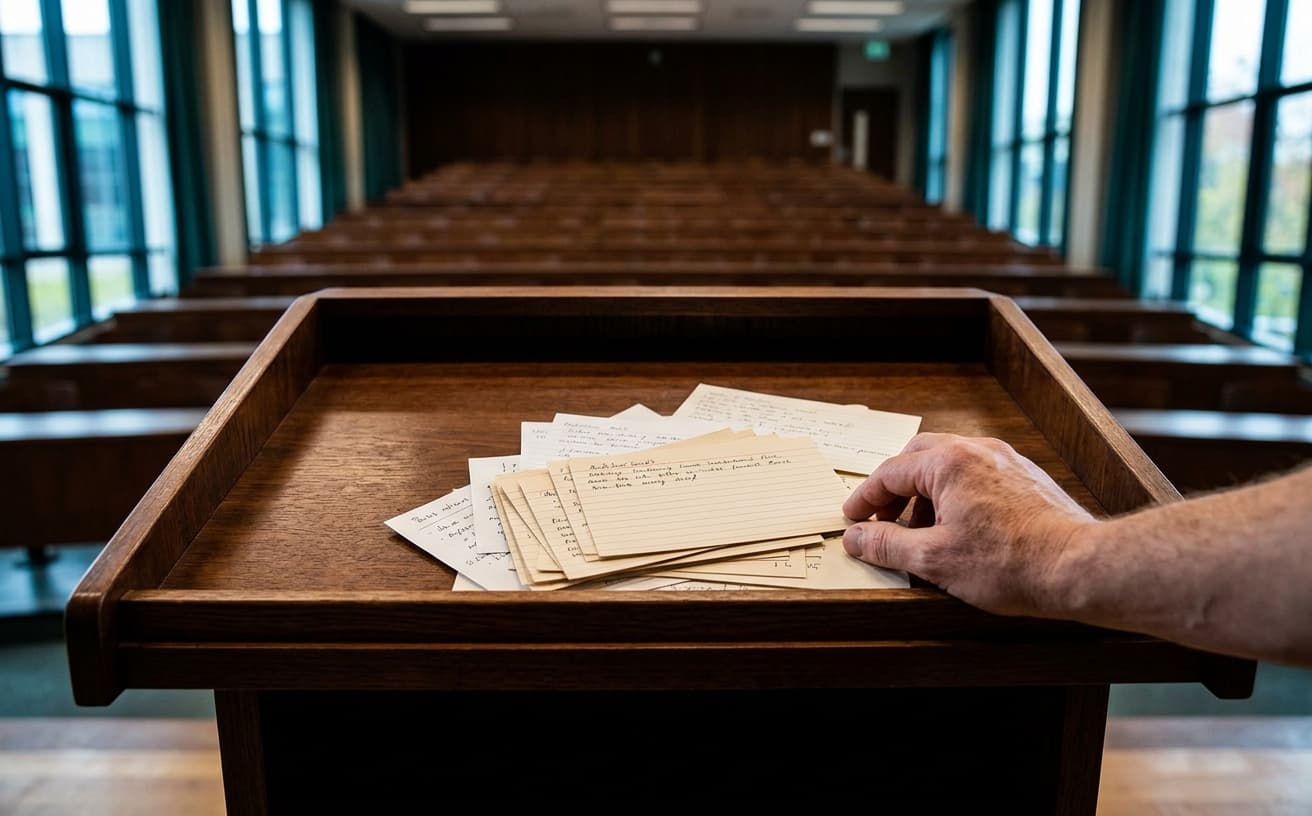
Illustrative presentation notes
22
Demo roster size
Replace with your class on the homepage
22
Spins for full order
One per student with auto-exclude
0
Re-spins recommended
Example norm — commit to built order
“Visible random order ends hallway debates about who 'always goes last' — the sequence is on the board for everyone to see.”
Pair with group generator
Randomize teams first, then spin presentation order by group — fair at both levels.
Open the classroom group generator →Build your own spinner wheel
Paste any list, import a class roster, save history, and share a link — free on the Name Spinner homepage. No account required.
Open full Name Spinner →Related guides
Classroom Group Work Spinner Guide
Assign fair student groups with a classroom group work spinner — visible random teams, no signup, and share links for subs. Demo roster ready to spin.
In-page spinner

By Name Spinner
Desk Partner Switch — Seating Rotation Picker
Rotate desk partners fairly with a free classroom spinner — collaboration pairs, seating rotation, and fresh groupings without manual charts.
In-page spinner
By Name Spinner

Classroom Group Generator Spinner
Split a class into random groups with a free spinner wheel. Demo roster included — paste your students on the homepage for fair team picks.
In-page spinner
By Name Spinner
Quiz Team Picker — Balanced Groups for Review Games
Form trivia and quiz teams fairly with a free classroom spinner. Demo roster — balanced groups, review games, and no repeat team drama.
In-page spinner
By Name Spinner