
Name Spinner
- Spin for a workout routine
Workout Routine Picker — PE & Wellness
Spin a random workout routine for PE warm-ups, wellness challenges, and home fitness. Cardio, yoga, HIIT, and more — ten routines ready to spin.
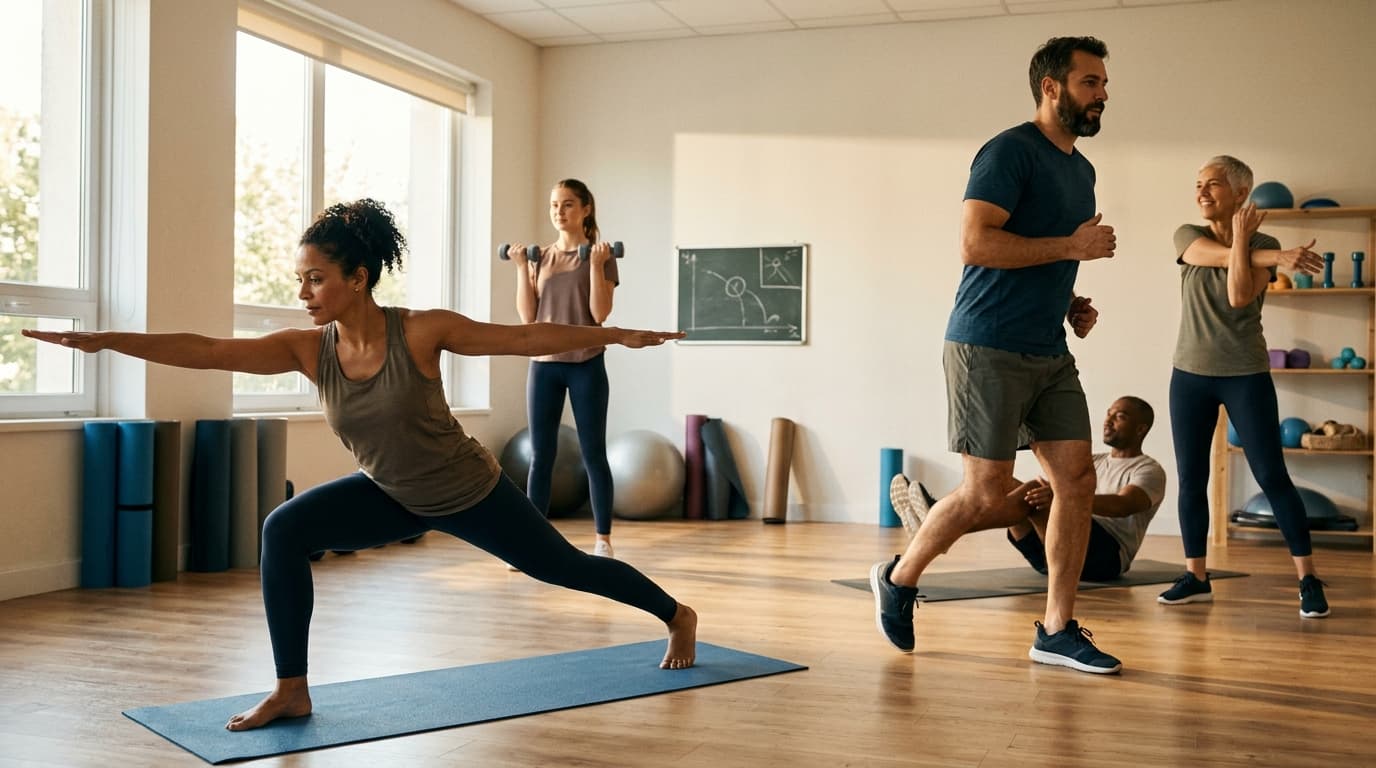
Full routines, not single moves
A workout routine wheel picks a session format — cardio circuit, yoga flow, HIIT tabata — when you already know you are exercising but want fair variety. That differs from the random exercise picker, which assigns a movement type (Running, Yoga, Weight Lifting) for shorter stations or wellness games.
PE teachers spin here for warm-up modality before skill units. Wellness coaches spin for weekly challenge structure. Families spin when nobody wants to repeat the same YouTube circuit. Each of ten routines occupies one equal segment — announce intensity caps and footwear rules before the first spin.
Remove high-impact options on the Name Spinner homepage when gym floors are wet or participants need seated variants. Follow with the random sport picker when game rules come after warm-up, or the PE activity spinner when the block shifts to playground games outdoors.
Medical boundary: Spins assign categories, not prescriptions — defer to clinicians when contraindications exist. Offer opt-out paths with equivalent movement minutes.
Warm-up block workflow
- Step 1 — Intensity briefing: Low / moderate / vigorous labels on whiteboard; students self-select layer.
- Step 2 — Spin once: Project or fullscreen homepage embed; read routine aloud.
- Step 3 — Demo safety: Show modifications — chair yoga, wall push-ups under Strength, walk laps under Running.
- Step 4 — Time box: 8–12 minutes for PE warm-up; 20–30 for dedicated wellness club.
- Step 5 — Cool-down: Stretching segment mandatory even when HIIT lands — heart-rate talk, not competition.
- HIIT landing: Use 20-on / 10-off intervals with whistle cues; no burpee contests for grades.
- Swimming landing without pool: Dry-land arm circles and kick drills in place — label honestly on homepage if pool access is seasonal.
- Yoga / Pilates: Dim lights optional; trauma-informed opt-out always available.
- Dancing: Playlist queued before spin so setup stays under sixty seconds.
Compare with exercise picker when you want single-movement stations in a circuit — spin routine first for theme, exercise picker per station for detail.
Routines on this wheel
- Cardio — jumping jacks, high knees, or brisk walk laps
- Strength Training — bodyweight squats, push-ups, resistance bands
- Yoga — sun salutation A at intro level; chair variants available
- Pilates — core series on mats; modify for wrist sensitivity
- HIIT — tabata timer; coach counts, students track own effort
- Swimming — pool laps or dry-land stroke drills when pool closed
- Running — track intervals or hallway laps with boundary cones
- Cycling — stationary bikes or imaginary hill climbs in place
- Dancing — follow-along clip or student-led freeze dance
- Stretching — static holds, no bounce; pair with cooldown after sport unit
Illustrative wellness notes
10
Routines on wheel
Trim impact on homepage
Yes
Equal odds
One segment per routine type
8–12 min
Typical warm-up length
Illustrative PE block estimate
Illustrative planning split — subjective labels, not medical advice.
Safety, inclusion, and fairness
Equal odds per routine each spin. Clustering happens — teach independence over re-spin complaints. Heat and air quality: Move Running and Cycling indoors when alerts require; edit list seasonally.
- Accessibility: Every routine publishes seated and lower-impact versions before students move.
- Privacy: No body commentary tied to spin results.
Link how fair is a random name picker for wellness committees asking about randomness. Assessment: Participation and reflection only — not speed rankings unless opt-in club rules say otherwise.
Office wellness: Running and Dancing convert to walking meetings and desk stretches — same spin, lighter execution.
Sample PE warm-up period
Min 0–2
Spin; demo modifications; water available.
Min 2–10
Run routine with whistle checkpoints.
Min 10–12
Stretching cooldown; pulse awareness check-in.
“Routine wheels set the format — coaches still own safety, timing, and who needs the seated variant.”
| Routine | Modification when space is tight |
|---|---|
| HIIT | March in place; no jump lunges on upper floors |
| Swimming | Dry-land strokes; no pretending pool exists |
| Running | Hallway laps with cone turnaround; no sprints on tile |
| Strength Training | Wall push-ups; no shared mats without wipe protocol |
Common questions
Exercise picker vs this wheel? Exercise picker = movement type for short games. This wheel = full routine format for warm-ups and wellness blocks. Use both in one lesson when stations need layered randomness.
Can I remove HIIT? Yes — homepage edit before sharing with classes; honesty beats unsafe landings.
Classroom mode? Enable for kid-safe announcer copy on projected spins.
Share with athletes? Homepage URL encodes your adaptive list — trainers spin the same pool across teams.
Pair with outdoor PE? After warm-up, pivot to outdoor game picker or sport picker for skill application.
Athletic teams: Captains spin pre-practice routine — landed Stretching becomes mandatory team cooldown culture, not coach lecture.
Physical therapy homework: Clinicians encode approved routines on homepage; patients spin once daily for variety inside prescribed bounds.
Corporate wellness month: Department spins at stand-up; Dancing and Walking versions stay office-appropriate when HR sets intensity ceiling upfront.
Camp morning: Counselors spin before breakfast — HIIT only after hydration reminder; Yoga before quiet hour when schedule allows.
Heart-rate literacy: Secondary students log perceived exertion 1–10 after each landed routine — data for health class crossover without wearable requirement.
Scenarios wellness leads use
- New semester reset: Week one spins only Yoga and Stretching while coaches teach form — add HIIT back after norms settle.
- Adaptive athletics: Paralympic sport unit pairs landed Strength with seated resistance bands; landed Running becomes timed push laps on gym perimeter.
- Staff wellness Friday: Faculty lounge projection — Dancing lands as two-minute silent disco before contract hour; opt-in only, no performance review jokes.
- Home gym share: Roommates encode equipment they actually own — remove Cycling when no bike, add bodyweight Cardio — before sharing one URL for the house.
- Seasonal edits: Swap Swimming for indoor Stretching in winter on the shared homepage link — announce seasonal list change once in syllabus so students expect the shorter pool.
- Cooldown contract: Even when HIIT or Running lands, final two minutes stay Stretching — non-negotiable for inclusive PE and office wellness alike.
- Facilitator note: Screenshot the landed routine for async teammates who join late — same workout, no re-spin debate.
Build an adaptive fitness list
Remove high-impact options; add seated variants for inclusive PE.
Create a custom workout routine wheel →Build your own spinner wheel
Paste any list, import a class roster, save history, and share a link — free on the Name Spinner homepage. No account required.
Open full Name Spinner →Related guides

Random Emotion Picker Wheel — SEL & Creative
Pick a random emotion with a free spinner wheel. Classroom check-ins, art prompts, and writing starters — ten feelings ready to spin in your browser.
In-page spinner

By Name Spinner
Home Room Picker Wheel — ESL & Life Skills
Spin a random room in the house for ESL vocabulary, chore charts, and life-skills lessons. Kitchen, bedroom, garage, and more — ten rooms ready to spin.
In-page spinner
By Name Spinner

Personality Trait Picker — SEL & Writing
Spin a random personality trait for SEL lessons, character writing, and team shout-outs. Kind, curious, patient, and more — ten traits ready to spin in class.
In-page spinner
By Name Spinner

Transportation Picker Wheel — Commute & STEM
Spin a random mode of transportation for STEM lessons, commute games, and ESL vocabulary. Car, train, bicycle, and more — ten modes ready to spin.
In-page spinner
By Name Spinner