
Name Spinner
- Spin a PE activity
PE Activity Spinner for Teachers
Pick PE activities fairly with a gym-class spinner — field day stations, sub plans, and district-approved game lists. Ten movement games ready to spin.
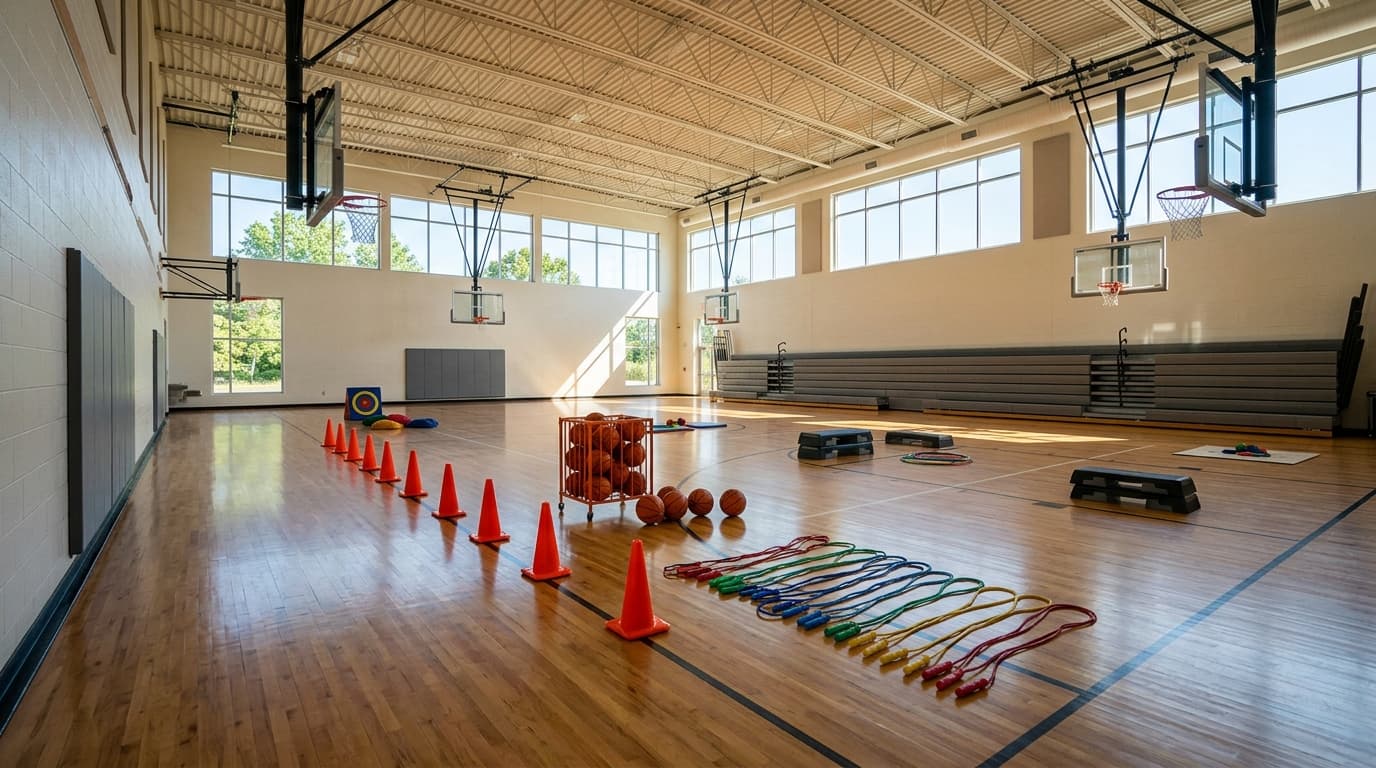
Gym blocks without the dodgeball default
PE teachers lose minutes every period when students lobby for the same contact game. A PE activity spinner assigns tag, capture the flag, or hopscotch in one visible spin — the class watches the wheel stop, accepts the constraint, and you move to setup instead of negotiating.
This guide targets lesson planning and compliance, not generic recess tips. For game-by-game safety checklists, boundary rules, and camp workflows, use the outdoor game picker wheel — same ten games, deeper recess context. Here the focus is field day rotation, substitute folders, district-approved lists, and IEP-friendly documentation.
- Field day: Spin once per station volunteer group — Station 3 runs whatever lands, Station 4 spins independently. Post QR codes so parents see the same fairness story you use in class.
- Parallel classes: Encode your admin-approved list on the Name Spinner homepage and share one URL so every section spins identical options during the same week.
Remove contact games or equipment-heavy picks before projecting when policy requires. Pair with the random sport picker for sport-skill units, the workout routine picker for warm-up modality, and the rainy day activity wheel when thunder closes the field.
PE block workflow for teachers
- Step 1 — Pre-flight: Confirm floor dry, equipment staged, medical notes reviewed.
- Step 2 — Spin once: Project fullscreen; read result aloud twice in loud gyms.
- Step 3 — Modification brief: Co-design adaptive version with class — seated volleyball, walking tag, auditory cues.
- Step 4 — Time box: Run fixed minutes; whistle ends play even if students want overtime.
- Step 5 — Log: Note landed game on unit tracker so every option gets airtime over the semester.
- Substitute plans: Print this guide URL plus your customized homepage link — coverage teachers spin instead of improvising dodgeball.
- Hybrid PE: Describe the landing in chat for remote students; they perform the home-safe variant while in-person class runs the field version.
Re-spins: Allow only for lightning, flooded gym, or missing equipment — not because favorites lost. Document that norm in your syllabus once; parents stop texting about "rigged" picks.
Assessment: Grade effort, sportsmanship, and reflection — never whether students liked the random outcome. The wheel assigns; learners respond with modifications they helped design.
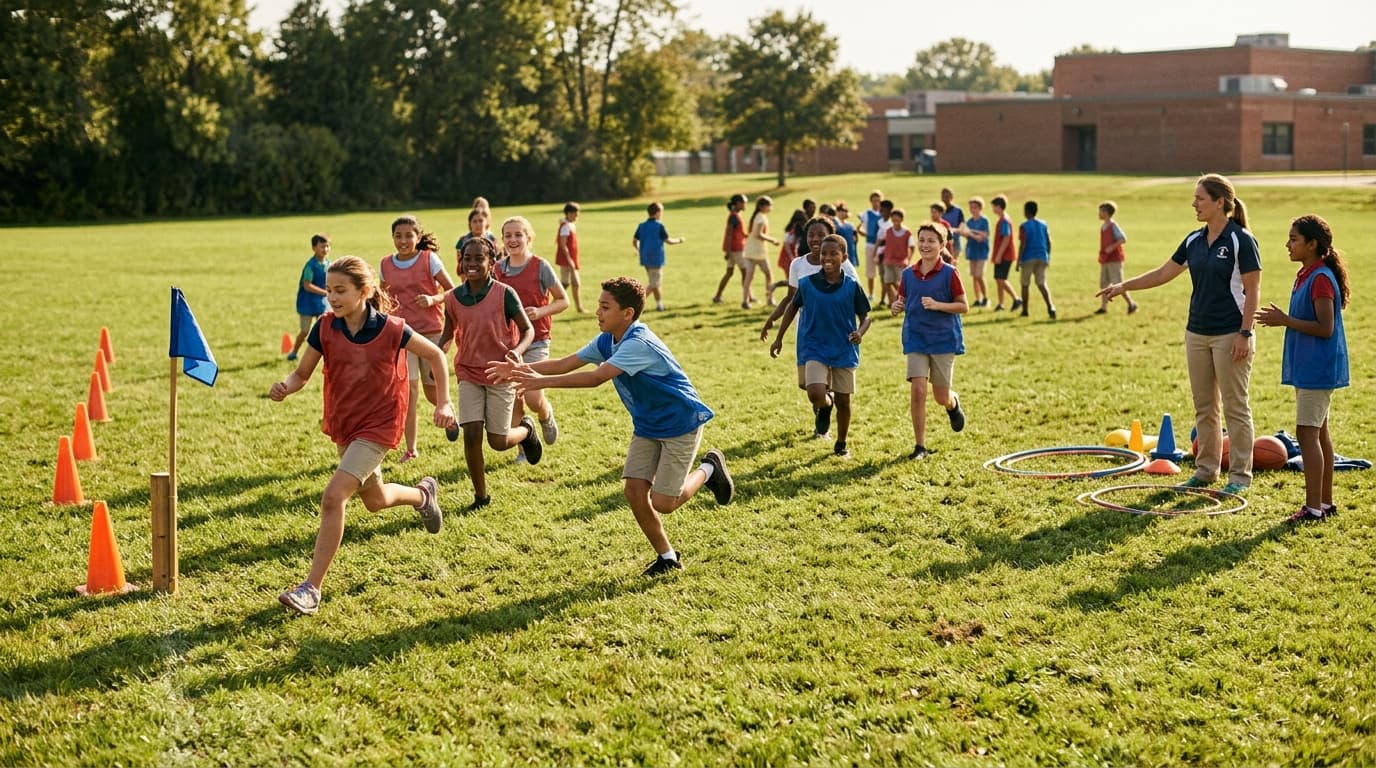
Games on this PE wheel
- Tag — chase protocols; see outdoor game picker for freeze-tag variants
- Hide and Seek — bounded count zone; indoor gym needs clear hiding limits
- Red Light Green Light — listening standard for K–2 blocks
- Duck Duck Goose — circle management for large classes; split circles if needed
- Capture the Flag — pinnies, no tackling; field-day station favorite
- Frisbee — throwing progressions before full ultimate rules
- Soccer — small-sided or dribbling cones when goals unavailable
- Basketball — H-O-R-S-E or passing lines when courts are shared
- Volleyball — balloon volleyball for beginners or co-ed inclusion
- Hopscotch — chalk outdoors; tape grid indoors for spelling or math calls
Illustrative PE planning notes
10
Games on wheel
Trim on homepage for district policy
Yes
Equal odds
One segment per approved activity
~5 min
Typical debate time saved
Illustrative per-period estimate
Illustrative field-day planning example — rounded percentages.
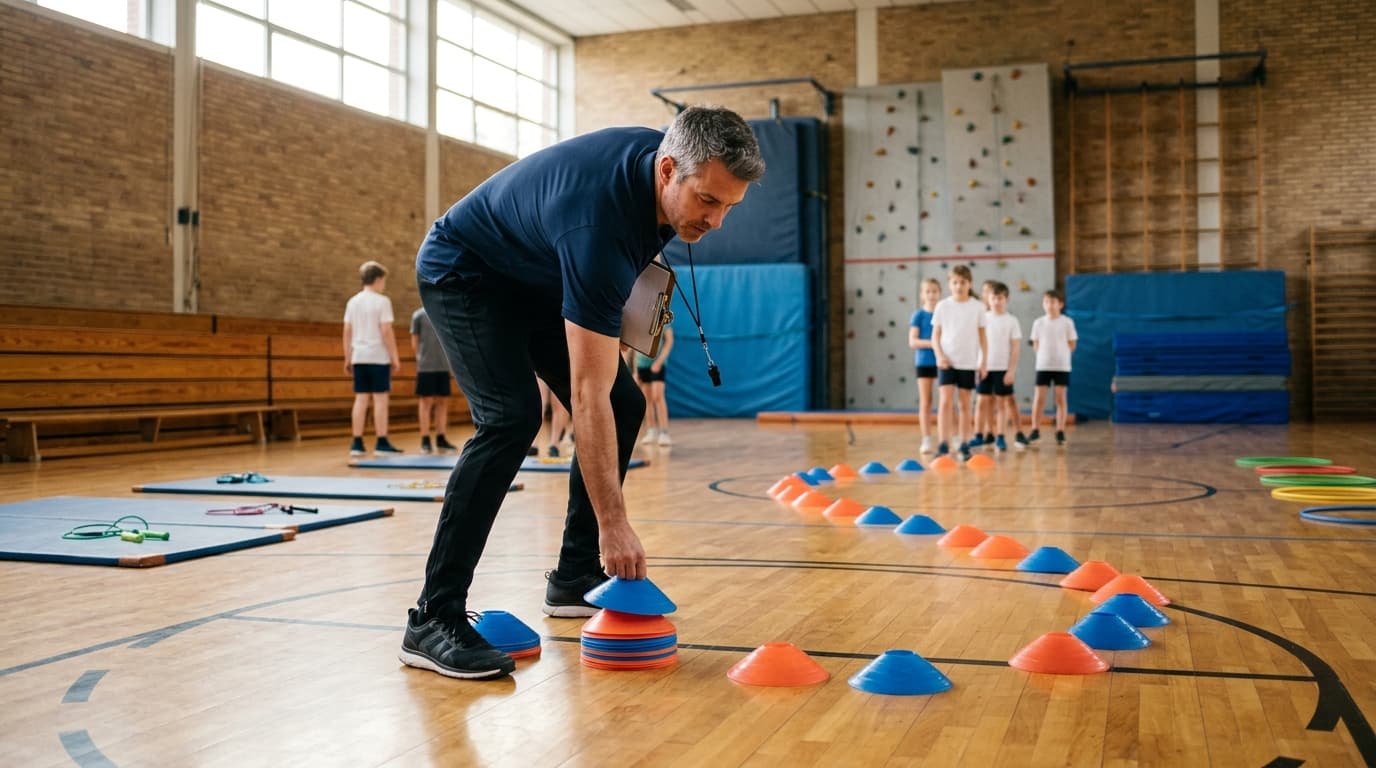
Fairness, policy, and inclusion
Equal odds per game when each appears once on the wheel. Weighted or ticket-style odds belong on the homepage when you run fundraisers — this embed stays one segment per name for classroom transparency.
- District liability: Log adaptive rules in your lesson plan — modifications are instruction, not afterthoughts.
- IEP / 504: Offer equivalent movement minutes when a landed game conflicts with a student's plan; random choice never overrides medical documentation.
Link how fair is a random name picker once for skeptical administrators — same crypto-backed engine as name wheels. Privacy: Do not tie spin results to personal disclosures or grades tied to athletic skill.
Rotate who presses spin weekly so no single student "owns" the button. Track twenty-spin samples as a probability lesson when the same game clusters — teachable moment, not evidence of rigging.
One 45-minute PE period
Min 0–5
Attendance, medical check, spin and announce modification brief.
Min 5–35
Active play with whistle checkpoints and hydration break.
Min 35–45
Cool-down walk, two-sentence reflection, log result on unit chart.
“Field day fairness starts before the whistle — spin the station theme, document the adaptive version, then play.”
| Scenario | Action |
|---|---|
| Wet gym floor | Remove tag and capture the flag; spin among low-slip options |
| Shared field with another class | Shrink boundaries before spin; post map at station |
| Student on injury rest | Stat keeper or equipment captain — stays engaged without re-spin |
| Admin observation day | Use pre-approved homepage list only; no joke segments |
Common questions
Same games as the outdoor recess guide? Yes — this embed uses the outdoor-games list. Use the outdoor game picker for recess-specific safety detail; use this guide for unit planning and field day.
Can I remove dodgeball-adjacent games? Edit the homepage list before sharing with co-teachers — policy compliance beats default segments.
Indoor thunder day? Switch to rainy day activity wheel or classroom game spinner — keep a bookmark folder for weather pivots.
Share with co-teachers? Homepage URL encodes your edited list — subs and parallel classes spin the same pool.
Classroom mode? Enable on the homepage for kid-safe announcer copy during projected spins.
Space to spin on laptop? Fullscreen the homepage wheel and press Space after names load — handy on the field with a keyboard cover.
Co-teaching: One teacher spins while the other sets boundaries — split roles prevent setup delays when large classes rotate through half-size fields.
Unit mapping: Align each landed game with state standards language in your plan book — "Capture the Flag" becomes teamwork and strategy outcomes without extra prep night.
Equipment grants: Photo spin results when writing PTA requests — "we landed volleyball four times this month" beats generic ball wish lists.
Scenarios PE departments use
- Unified sports week: Spin once for the whole department; each class adapts the same landed game with shared modification poster in the gym hallway.
- Intramural sign-ups: Spin determines which club sport gets demo day — soccer landing triggers skill clinic, not full league commitment.
- Professional learning communities: Coaches spin opening energizer before data meetings — five minutes of hopscotch math calls resets attention without silly unrelated games.
- Summer school: Short periods favor red light green light and duck duck goose over capture the flag — edit homepage list before session one and leave QR posted for subs.
Build a district-approved game list
Paste only games your admin approves — remove contact sports if policy requires.
Create a custom PE activity wheel →Build your own spinner wheel
Paste any list, import a class roster, save history, and share a link — free on the Name Spinner homepage. No account required.
Open full Name Spinner →Related guides
Outdoor Game Picker Wheel — Recess & PE
Pick a random outdoor game with a free spinner wheel. Tag, capture the flag, soccer, and recess classics — ten games ready to spin for PE and camps.
In-page spinner

By Name Spinner
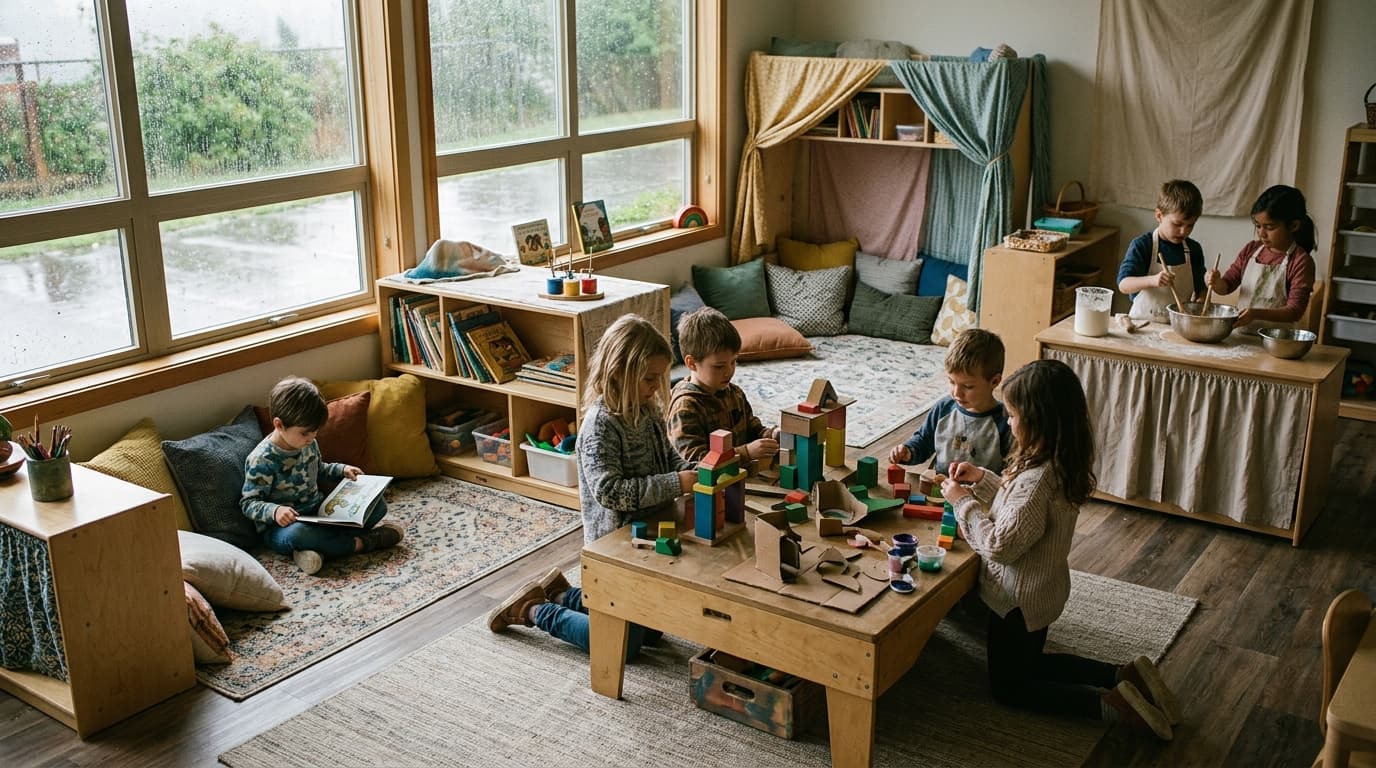
Rainy Day Activity Wheel — Indoor Fun
Spin a random rainy day activity for indoor recess, sub plans, and family weekends. Board games, crafts, baking, and more — ten cozy picks ready to spin.
In-page spinner
By Name Spinner
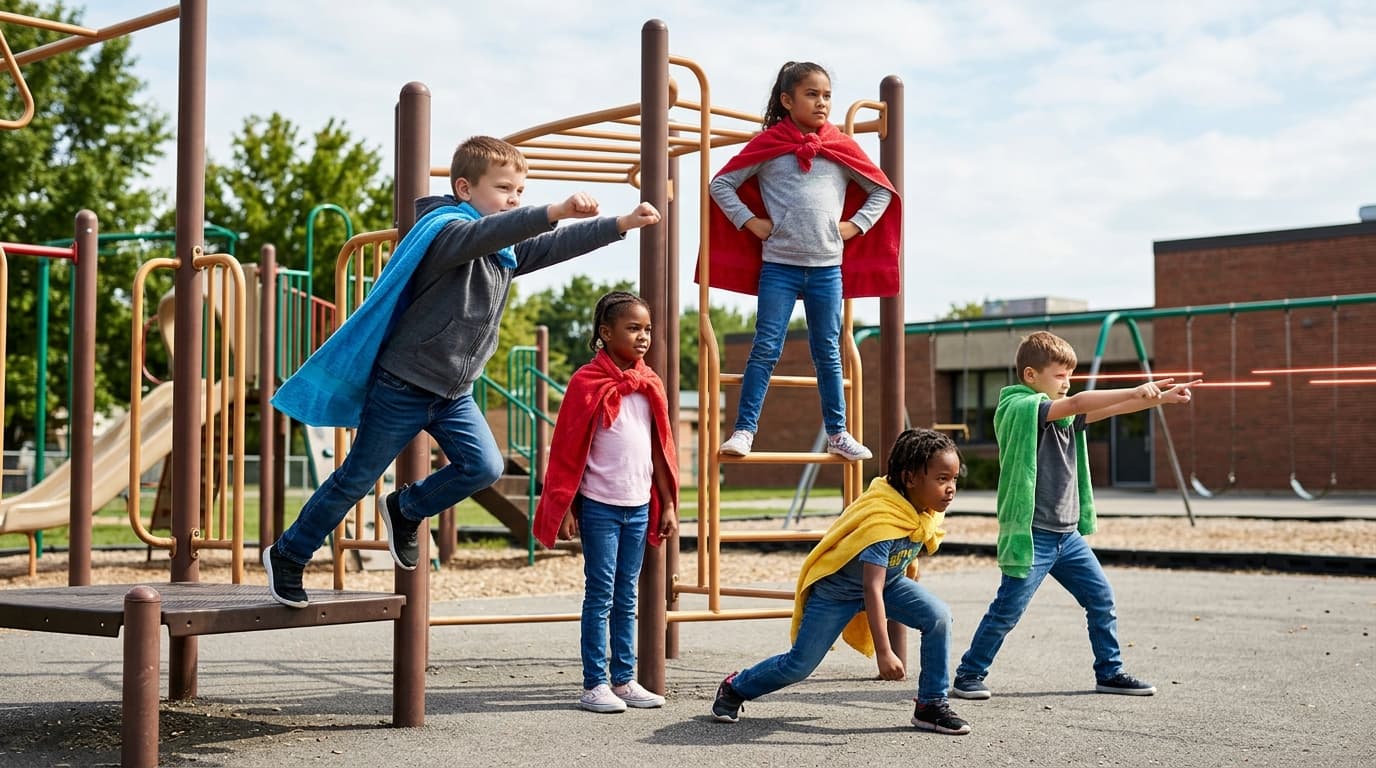
Random Superpower Picker — Spin the Wheel
Pick a random superpower with a free spinner wheel. Creative writing prompts, PE challenges, and classroom storytelling — ten powers ready to spin.
In-page spinner
By Name Spinner
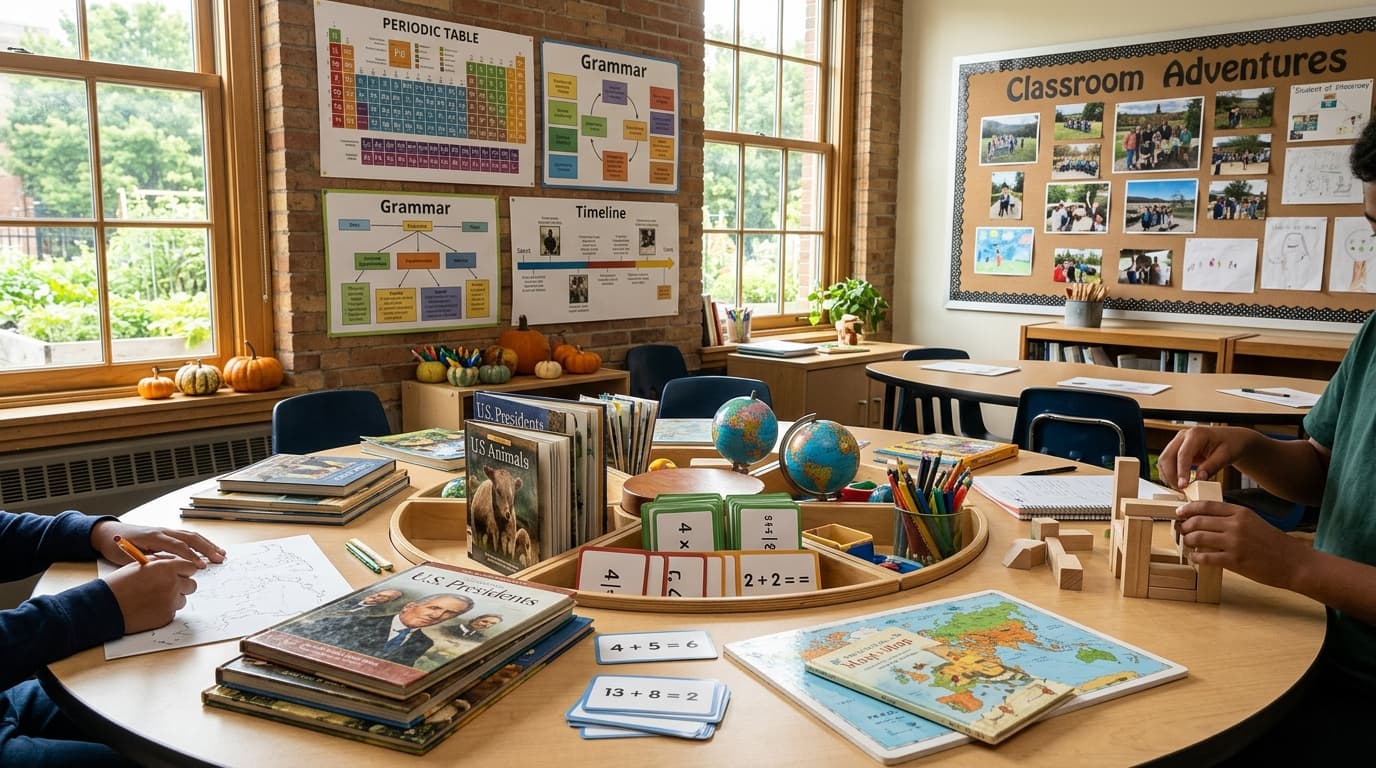
Classroom Game Spinner — Pick Review Games
Spin random classroom games for review days — Quiz Bowl, Spelling Bee, Math Race, and more. Free educational game wheel for teachers, ten games ready to spin.
In-page spinner
By Name Spinner